

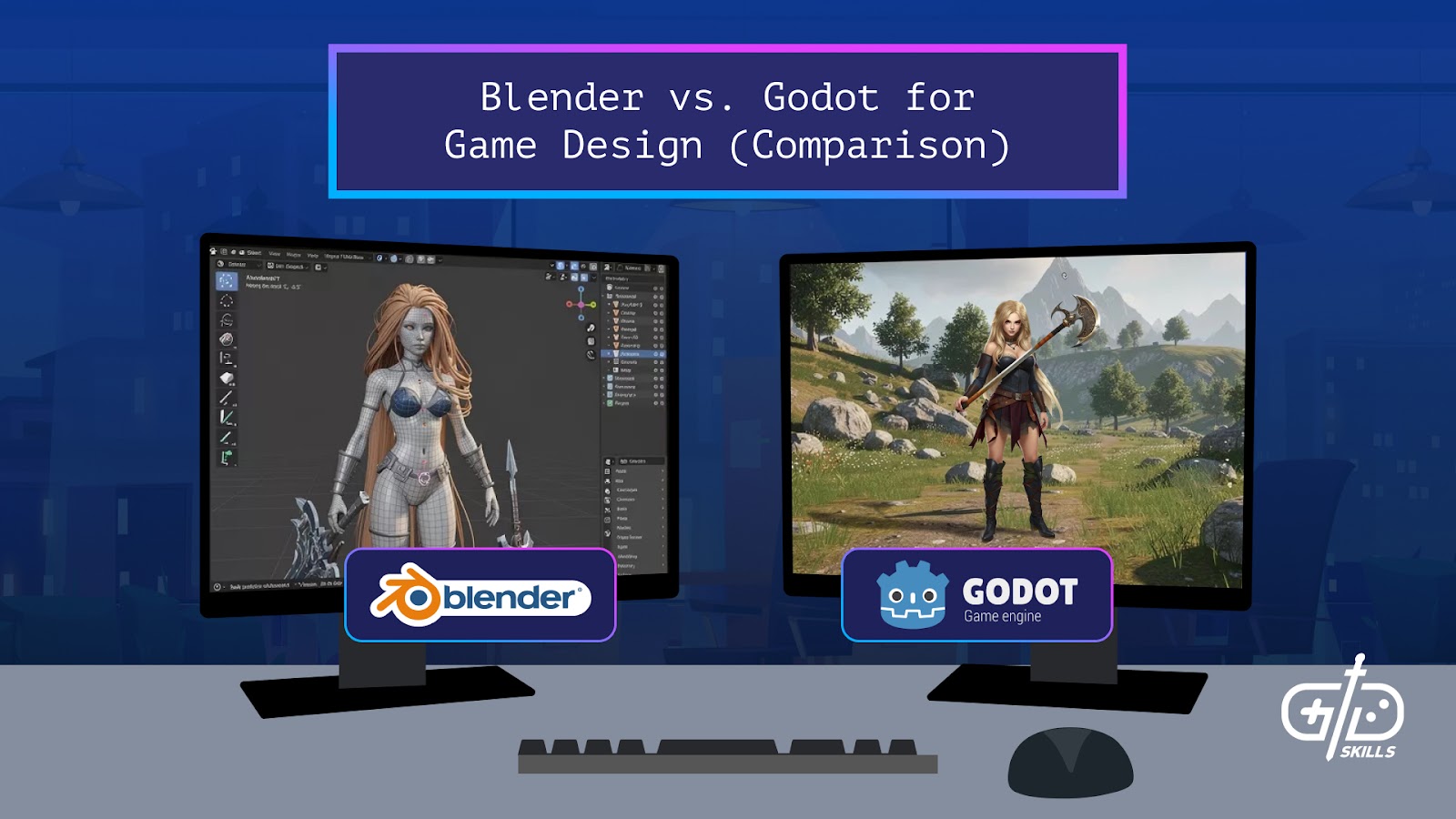

Blender is a digital content creation suite, so it’s equipped with a variety of tools geared towards 3D modeling, animation and VFX. Blender’s toolset makes it intimidating to beginners but it has greater depth for asset creation than Godot. Godot is a game engine that’s beginner-friendly with its visual programming and easy-to-learn scripting language and is ideal for 2D game development. Game logic and development itself is ideal with Godot rather than Blender since it comes with the necessary tools.
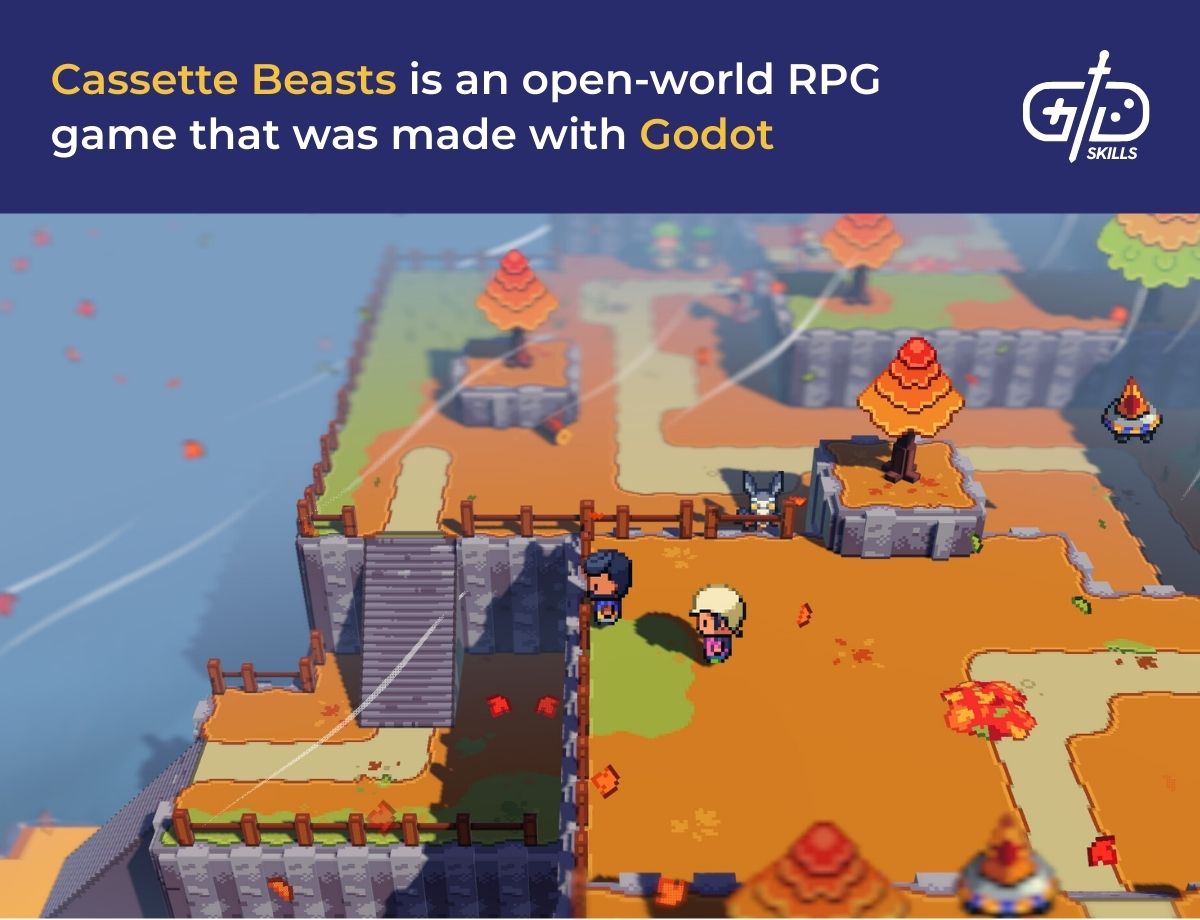
Blender and Godot both complement each other in game design instead of competing with each other. Devs create game models like weapons in Blender and import them to Godot to add in the game logic. Keep reading for an explanation on the differences between Blender and Godot, as well as which is better for animation, modeling and VFX. I also go into which software is better for beginners.
What is the difference between Blender vs. Godot?
The difference between Blender and Godot is that Blender is graphics software whilst Godot is a game engine. Blender is a 3D asset creation tool that’s used for modeling, animation and VFX in video games. Devs use Godot, on the other hand, to build and run video games since it has tools for creating game logic and gameplay. The main differences between Blender and Godot include their scripting languages, editors and export and import formats.
Blender uses Python for scripting so users are able to automate tasks or add plugins. Automating tasks cuts down on time, since scripts are written for actions such as exporting models in batches instead of going at them one by one. Godot uses GDScript, its own language that’s based on Python and is optimized for game logic.
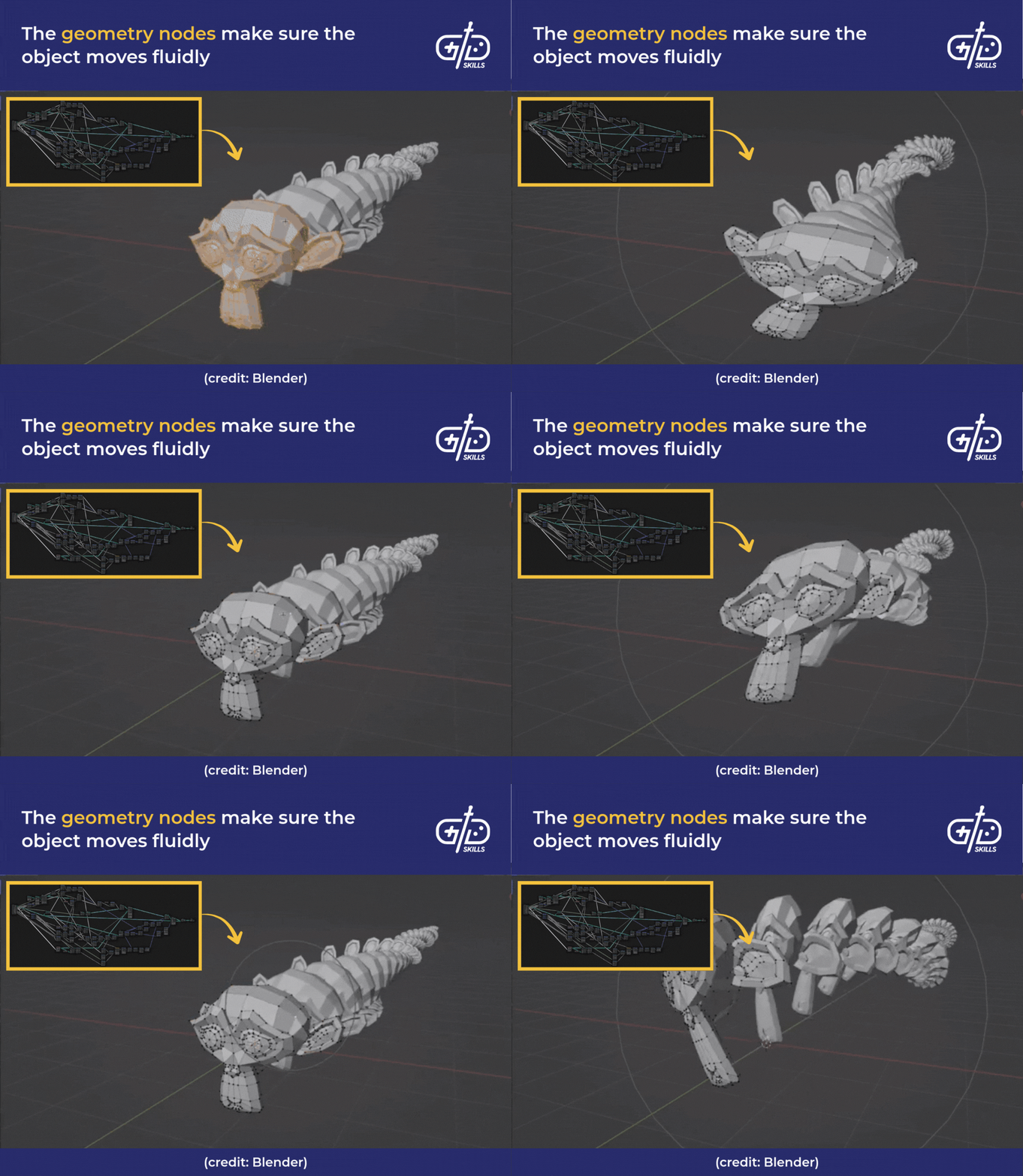
Blender’s editor is a workspace that has all the tools necessary for modeling, sculpting and animation. The structure is node-based so everything, including sprites, camera movements and physics, are nodes that users connect to each other. Parent-child relations are primarily used as a result. For example, a character node acts as the parent, with connected child nodes like attack and collision.
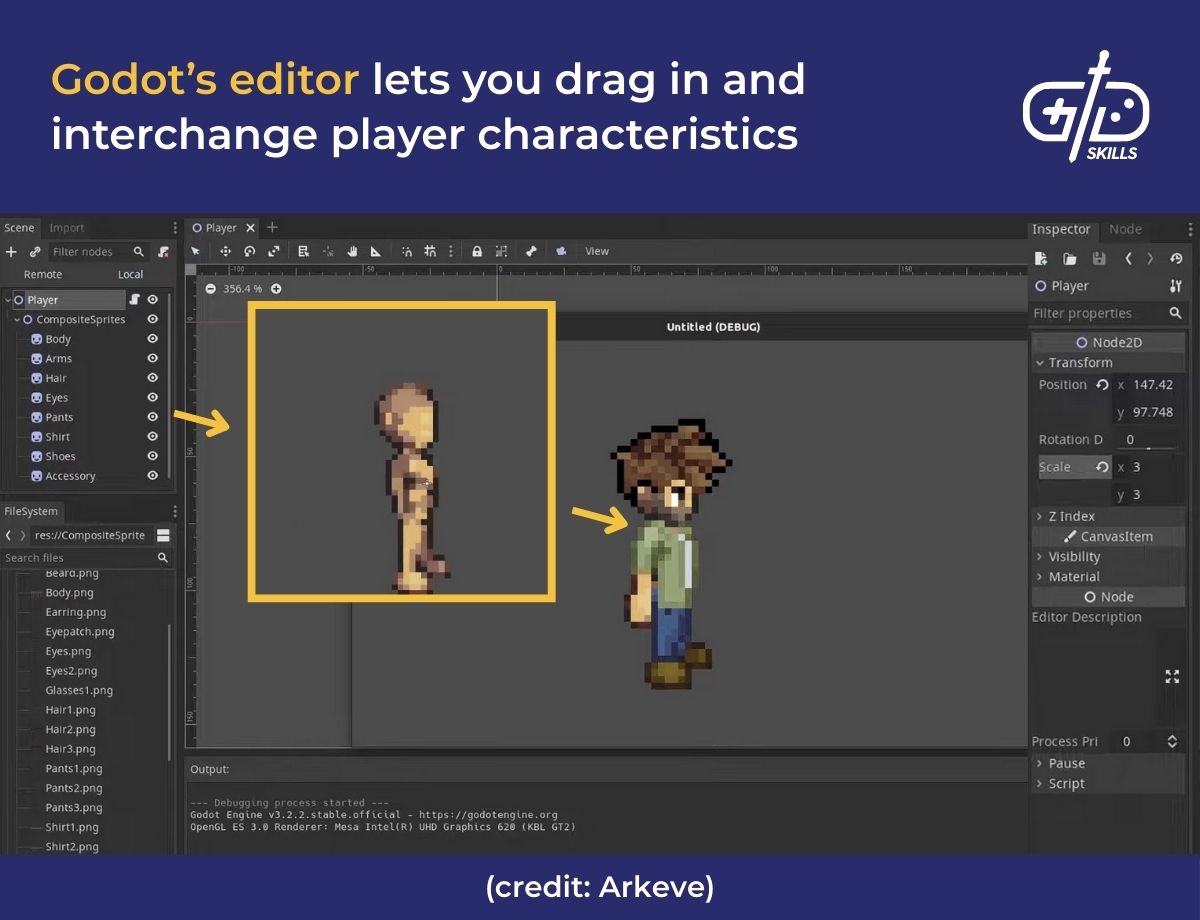
The editor in Godot is a scene-based environment where the tools are organized into nodes, but the structure itself is object-based. Players, for example, are mesh objects with armor added on as another mesh object (any animations are tied to rigs). This means devs are able to keep a base object and swap out additional pieces at will, like changing just the breastplate.
Blender and Godot’s interoperability is helped along by their support for export and import formats. Blender exports models in FBX, OBJ or GLTF formats to local systems or engines. Godot is able to support those formats and import them into games. This means workflows like exporting a sword model from Blender in OBJ and then importing it into Godot for an attack is possible.
Hobbyists prefer both Blender and Godot for different reasons, despite their combined popularity. Blender is popular because it has a feature set similar to more expensive tools like Maya for free, despite a steep learning curve. It has an integrated asset store called Blenderkit for models and kits that makes it easier to start off with. Godot’s popularity stems from its beginner-friendly UI and lightweight framework. Both tools are open-source, but Blender is under the GPL license (free but strict about sharing modifications) while Godot is under the MIT license (more open and easier for commercial studios).
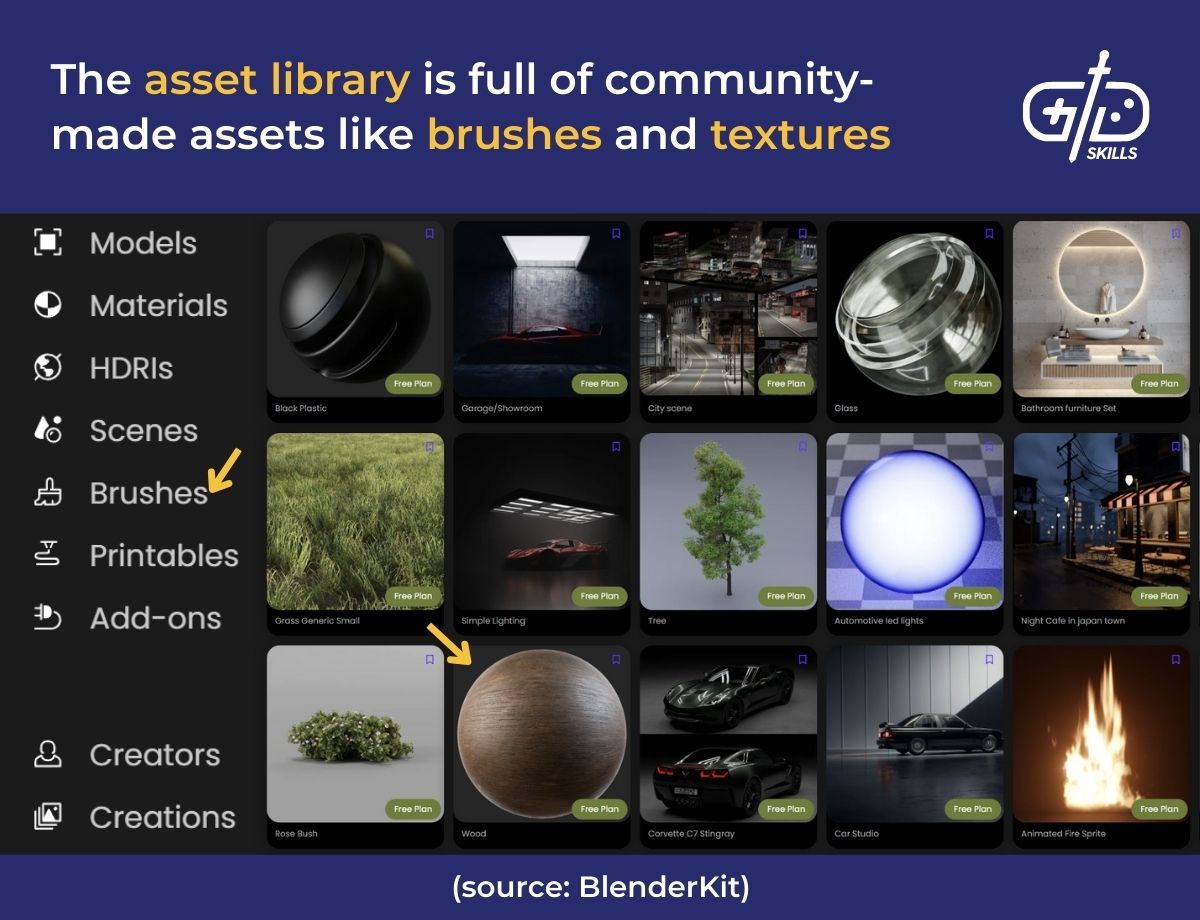
Monetization in Blender happens via the assets that are sold by creators on external marketplaces like Sketchfab or TurboSquid. Godot is free with no royalties so devs are able to monetize their games any way they want, like with ads or in-app purchases. Both Blender and Godot let users profit off their work without any royalties or hidden fees.
Is Blender or Godot better for animation?
Blender is better for animation since it has advanced tools for modeling and animation that let devs rig movements and create facial expressions. Godot has a comparatively simple animation system that’s designed for adding in-engine movements like 2D explosions and UI transitions.
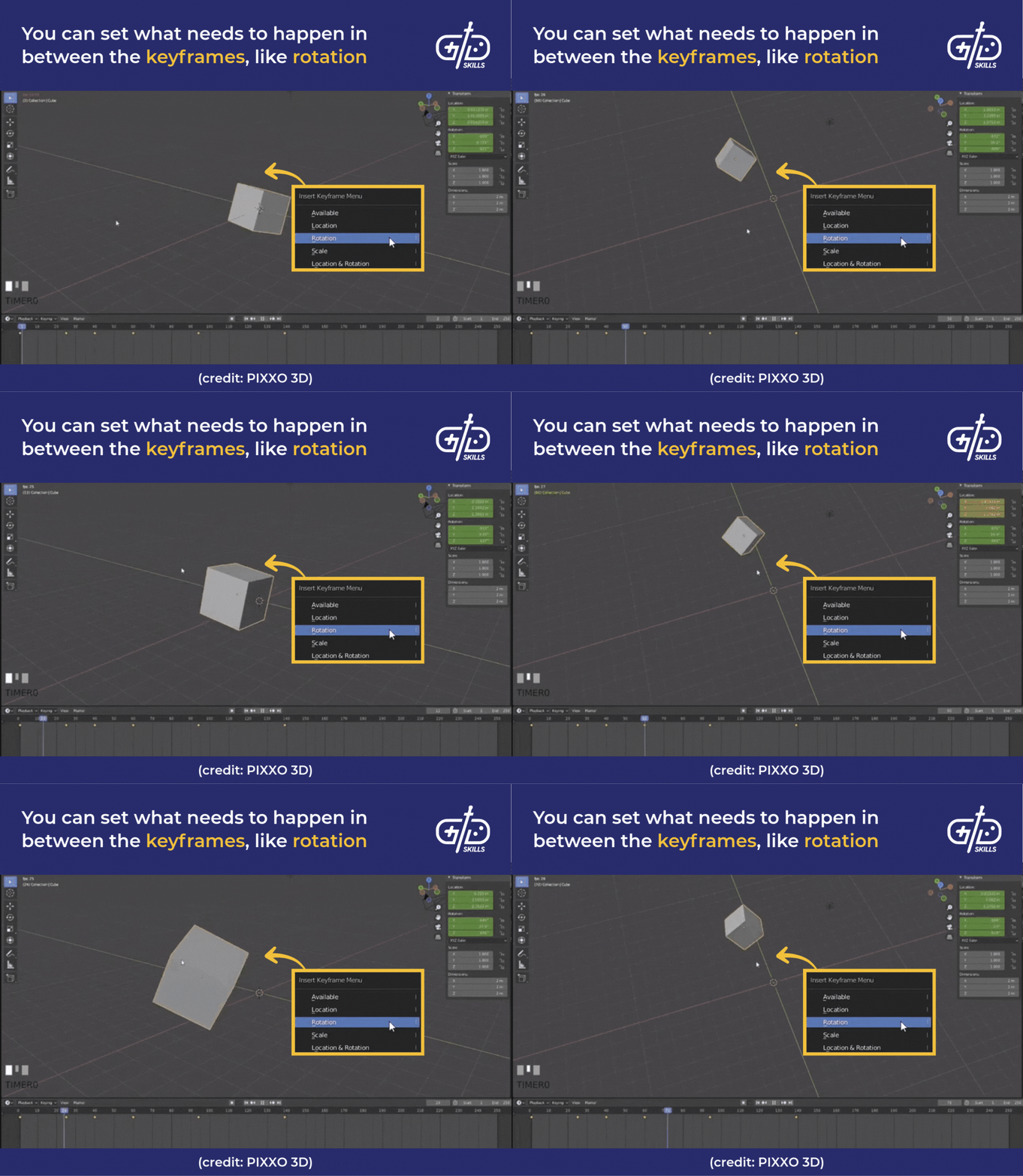
Blender’s animation toolset comes with keyframing, inverse kinematics (IK), and physics simulation tools. Keyframing means devs are able to create important frames, identified by timestamps, and then Blender automatically fills the movement in-between. It’s similar to a flipbook, where the start and end are already drawn so the computer only fills in the middle pages.
IK is a way to animate joints where movement from the end of a limb automatically moves the rest of the related joints. Devs don’t need to animate each and every joint as a result. The Witcher 3, for example, uses IK for Geralt’s sword movements so that when he swings, his shoulder, elbow and wrist all move realistically.
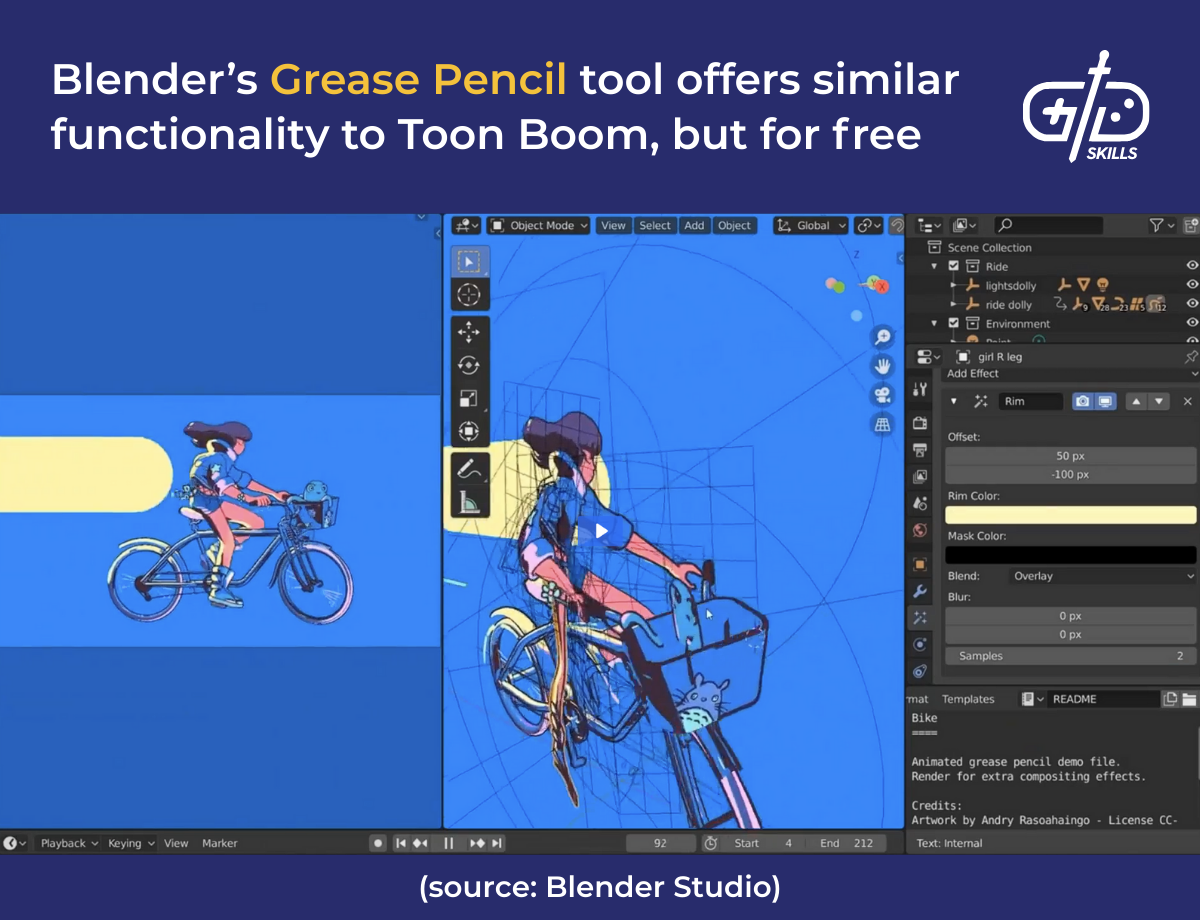
Blender’s physics simulations make sure all the animations behave naturally in terms of gravity, collisions, and overall movement. Games like Half-Life 2 use ragdoll physics to make enemies fall realistically. Blender handles 2D animation via its Grease Pencil Tool, which makes it useful for modeling in both dimensions.
Godot’s animation system is limited in comparison but its AnimationPlayer node is ideal for gameplay-related animations. The node also integrates directly with game logic so devs are able to trigger animations when events happen. Hit reaction animations for when enemies take damage are examples of event-triggered animations.
Godot isn’t able to handle complex rigs or cinematic level animations like Blender, so it’s recommended for lightweight, in-engine tweaks rather than a full production animation. The key takeaway is that Blender is better at creating animations while Godot is better at controlling how the animations appear in the game.
Is Blender or Godot better for modeling?
Blender is better for modeling since it’s known for being a 3D modeling tool that has all the additional tools needed for asset creation. The toolset is comparable to Maya or 3ds Max but free and open-source with sculpting, UV mapping tools and modifiers. Users are able to design characters, environments, weapons and props for any type of game. Blender’s precise mesh editing makes it easy to customize tiny details, down to the individual vertices.
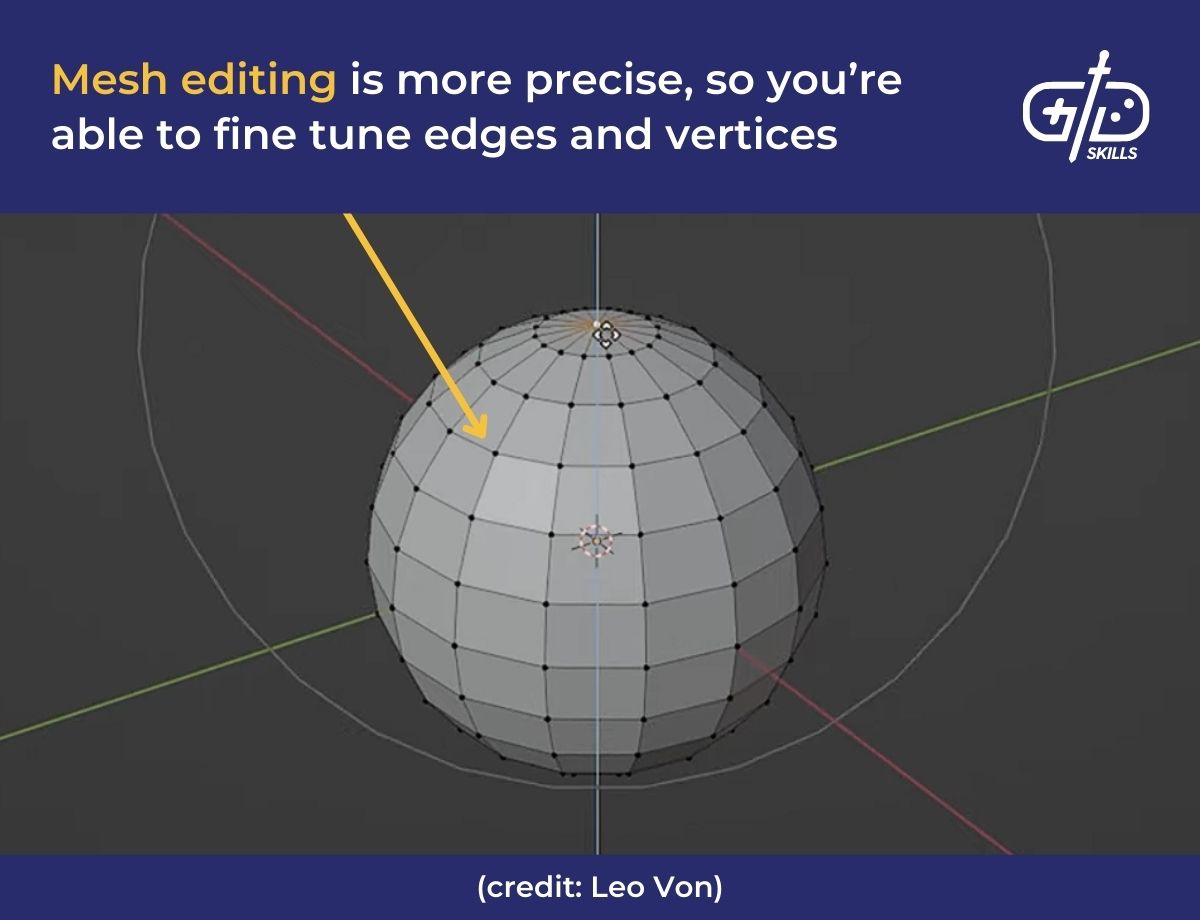
Sculpting tools let users shape models the same as shaping real clay. Details like a character’s facial details or reptilian scales are modelled using these. Mesh editing helps fine tune the geometry of the model, like the vertices and edges. Both tools are used together, for example, by first sculpting a piece of armor, and then adjusting the edges so they’re either curved or sharpened.
UV mapping tools are texturing tools that flatten the 3D model into a 2D plane so devs are able to paint textures on it, like adding metallic shine and smoothness to the armor. Modifiers then help apply effects like mirroring or deforming automatically, cutting down on time. Blender applies the mirror modifier effect that’s already been done on one half to the rest of the model.
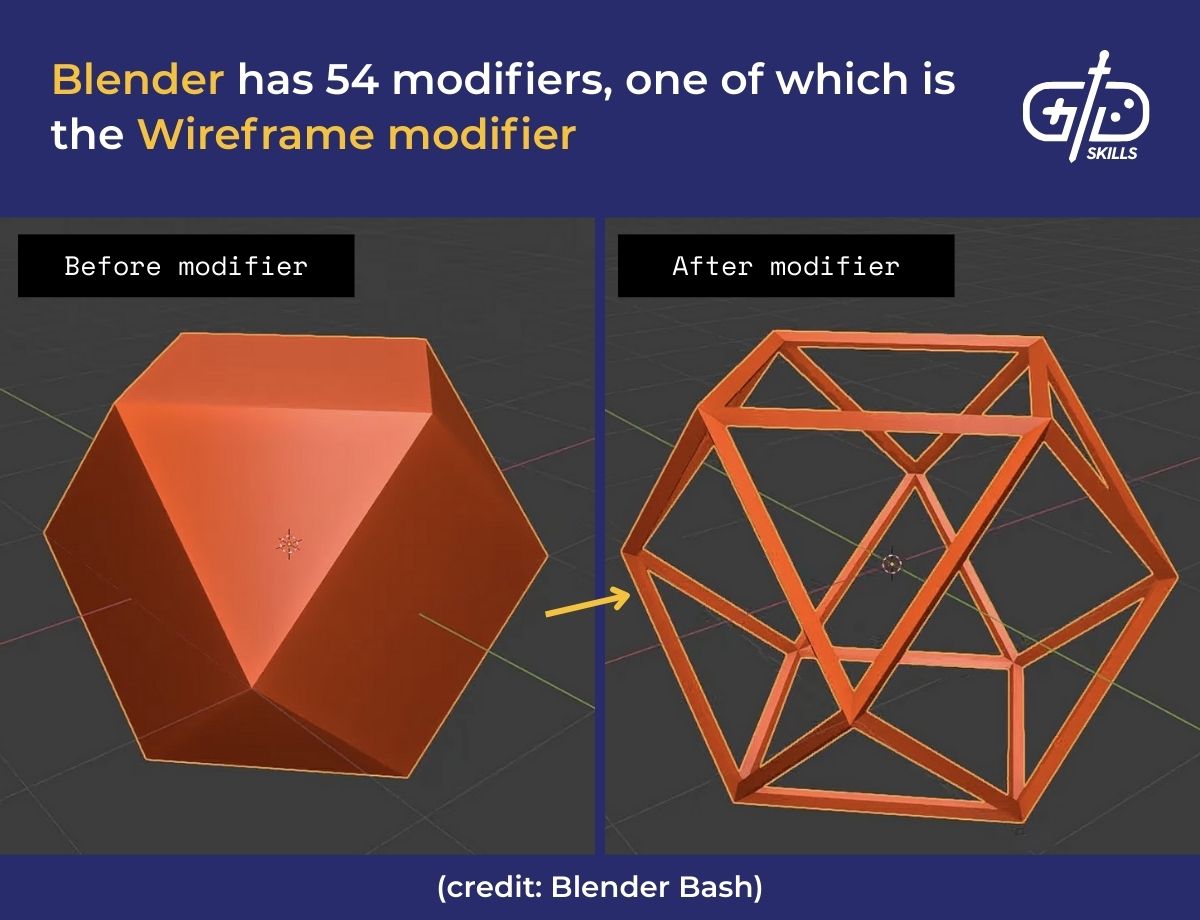
Artists and hobbyists both prefer Blender for asset creation because of the toolset, but also because it has a large library of tutorials, plugins and asset packs for beginners to start with. Godot has no modeling tools at all, but supports import for 3D models so devs are able to bring them in and then arrange them. Godot’s role in this context is to make sure the models line up with gameplay scenes and movements, with scripting for advanced tasks.
What is better for VFX, Blender or Godot?
Blender is better for VFX (visual effects) since it has advanced simulation and rendering tools while Godot is an engine focused on real-time gameplay effects. Blender’s tools for VFX include particle systems, fluid and cloth simulations, as well as physics-based destructions and rendering tools for cinematic shots.
Particle systems help create effects like gunshot sparks, smoke, fire and magic effects. The fluid and cloth simulation tools mean elements like water, and lava are animated realistically. For flying attacks or impact shots, physics-based destruction makes sure objects break into pieces realistically. To tie everything together, rendering tools the end results come out in high-quality, with realistic lighting and shadows.
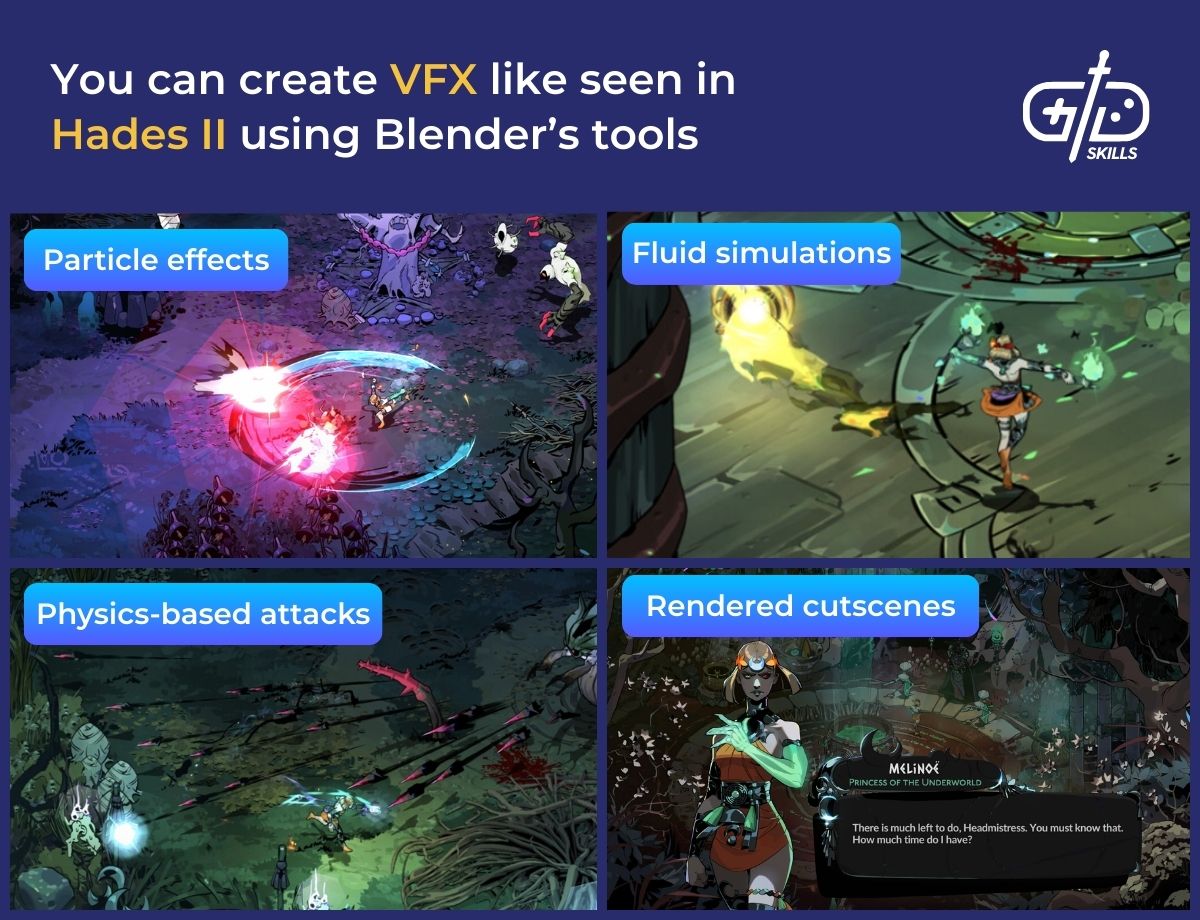
VFX in Godot are limited compared to Blender, so Godot is better for creating effects that react to player actions in real time. Godot comes with real-time particle effects and shader effects for stylized visuals, water ripples or pixel effects. All the effects made in Godot are already optimized for gameplay performance across platforms, like PCs and mobile devices.
What is easier for beginners, Blender or Godot?
Blender is easier for beginners that want to create art, models and animations, while Godot is easier for beginners that want to make games quickly. Blender has a varied toolset that makes it powerful but gives it a steep learning curve. Godot’s UI is cleaner and easier to navigate, but it’s equipped with tools for game logic rather than asset creation.
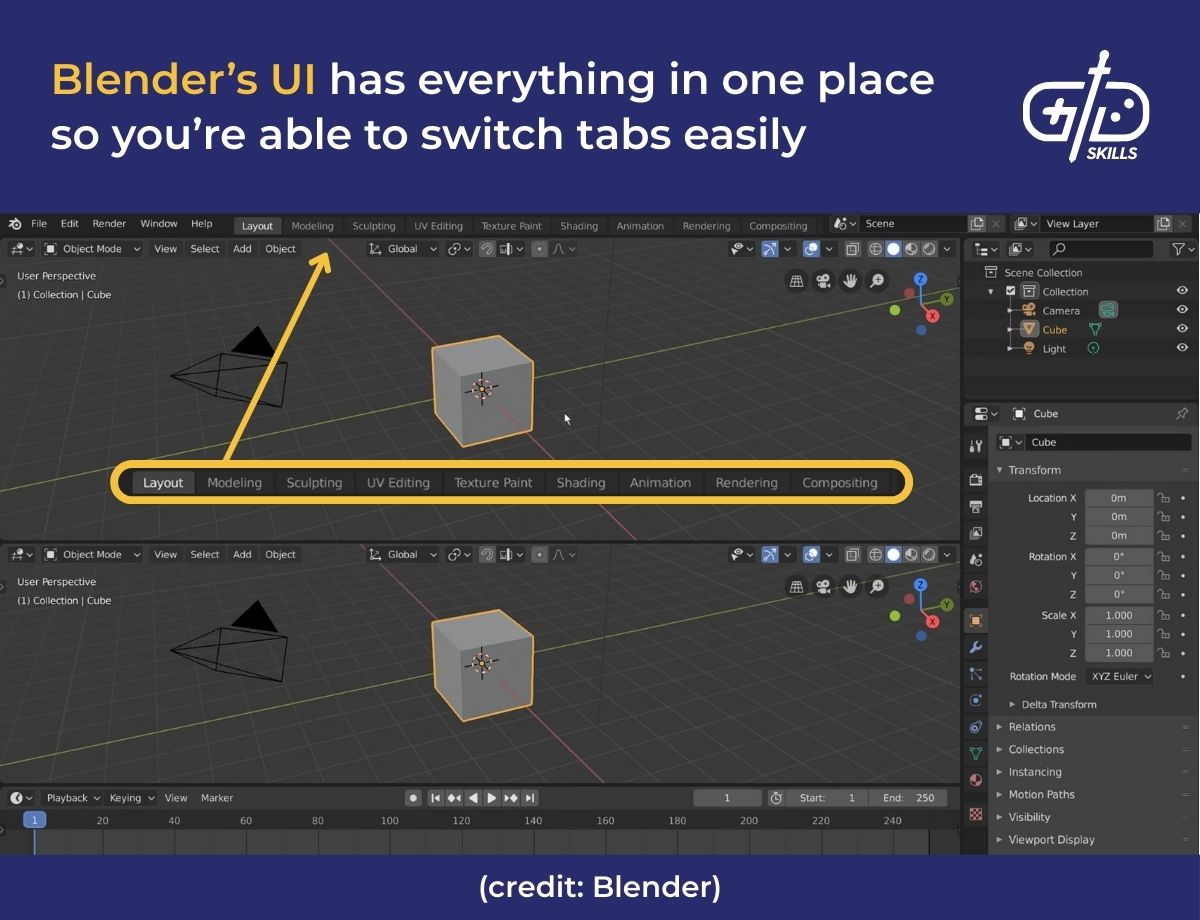
Blender’s UI has multiple tabs for modeling, sculpting, animation and shading which intimidates beginners at first glance. All the tabs are in one place so it’s difficult to navigate at first but this makes it easy to switch tasks quickly. The complexity stems from Blender streamlining the entire 3D pipeline of coming up with the concept, modeling, rigging, and then rendering. The logic is based on geometry and animation workflows too, so beginners need tutorials to start off with. There are YouTube channels specifically for Blender, like BlenderGuru, and there’s community support as well.
Godot has a clean UI with a scene tree, inspector and script editor that all create an easy system for beginners to work with. Visual logic blocks and optional scripting also opens the floor to both non-coders and advanced devs. The scripting itself isn’t complicated either, as it uses IF-THEN logic. There is a moderate learning curve, rather than a steep one, since it still takes practice to navigate the UI and figure out how to use the tools.
The ideal way for beginners to learn is to use both Blender and Godot, especially for those that want to create assets for their own games. It’s recommended to use Blender to create assets, like the characters and environments, and then import them into Godot to learn scripting and logic to flesh out the game.








