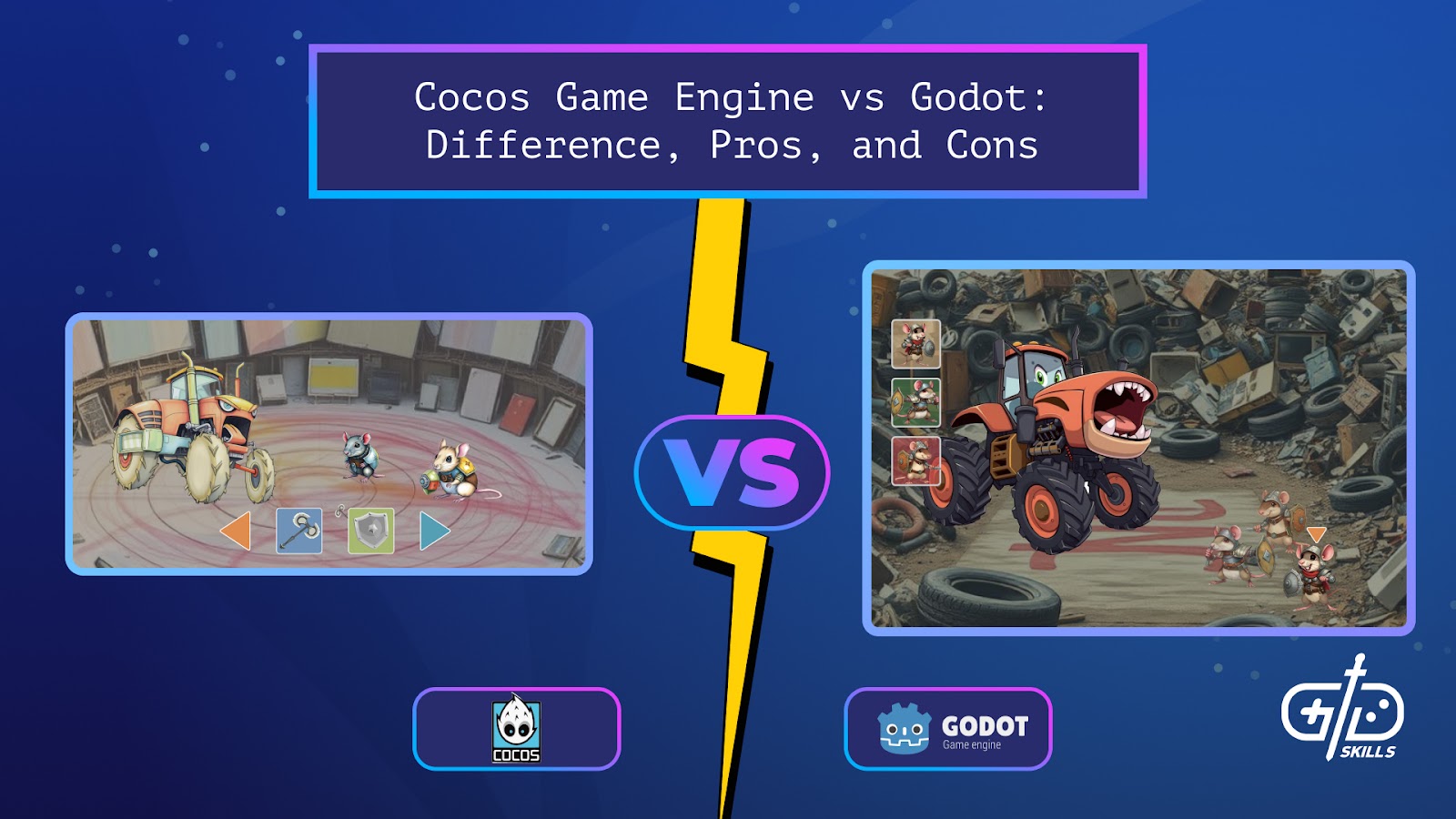

Cocos game engine, also known as Cocos2d-x, is a framework that launched in 2008 and focused on 2D mobile game development. Cocos2d came with optimized sprite sheets and animation tools that ensured games took little space on mobiles. The engine was written in C++, with support for JavaScript and Lua scripting since it was open-source too. Cocos Creator built on Cocos2d and introduced a built-in IDE, enhancing the editor to support 3D workflows, and improved the cross-platform support.
Godot is a full 2D/3D game engine, not a framework like Cocos2d, and uses GDScript with support for C# and C++ scripting. Godot’s editor combines 2D and 3D tools, and has support for cross-platform deployment, including consoles. This article compares Cocos2d and Godot, regarding which engine is better for game development and 2D games. Keep reading to get an overview of the kinds of games made with Cocos and Godot, which is better for beginners and their respective system requirements plus pros and cons.
Which is better for game development: Cocos2d or Godot?
Godot is better for game development since it has tools that let devs combine 2D and 3D game development with support for cross-platform deployment. Cocos2d is better for 2D mobile game development because its toolset is built for games that are quick to pick up and doesn’t strain low-end phones. The table below goes into aspects to consider when choosing between Cocos and Godot.
| Cocos2d | Godot |
|---|---|
| Efficient for 2D and optimized for mobile | Strong rendering tools for 2D and 3D but better for console and PC titles |
| Uses C++, JavaScript, Lua and TypeScript (for Cocos Creator) | Uses GDScript, C# and C++ |
| Has limited visual tools so more coding is needed | Has a drag-and-drop editor and node system that’s ideal for rapid prototyping |
| Exports to mobile with support for web, macOS and Windows | Exports to desktop, mobile, web and consoles |
Both Cocos and Godot are open-source and free, which makes them accessible to devs on a budget and learners alike. Cocos’s community is smaller than Godot’s, limiting the plugin availability and community support. The key takeaway is to go for Cocos if devs want to create fast mobile games and are comfortable with the scripting languages. Godot is better for devs that want the visual coding tools and flexibility with platforms.
Which is better for 2D games: Cocos2d or Godot?
Cocos2d is better for 2D games since it’s built specifically for them, with a toolset that ensures games come out lightweight and efficient for mobile. Godot has better flexibility across platforms, with both 2D and 3D support, so it runs heavy. Devs looking to create 2D mobile games are better off with Cocos.
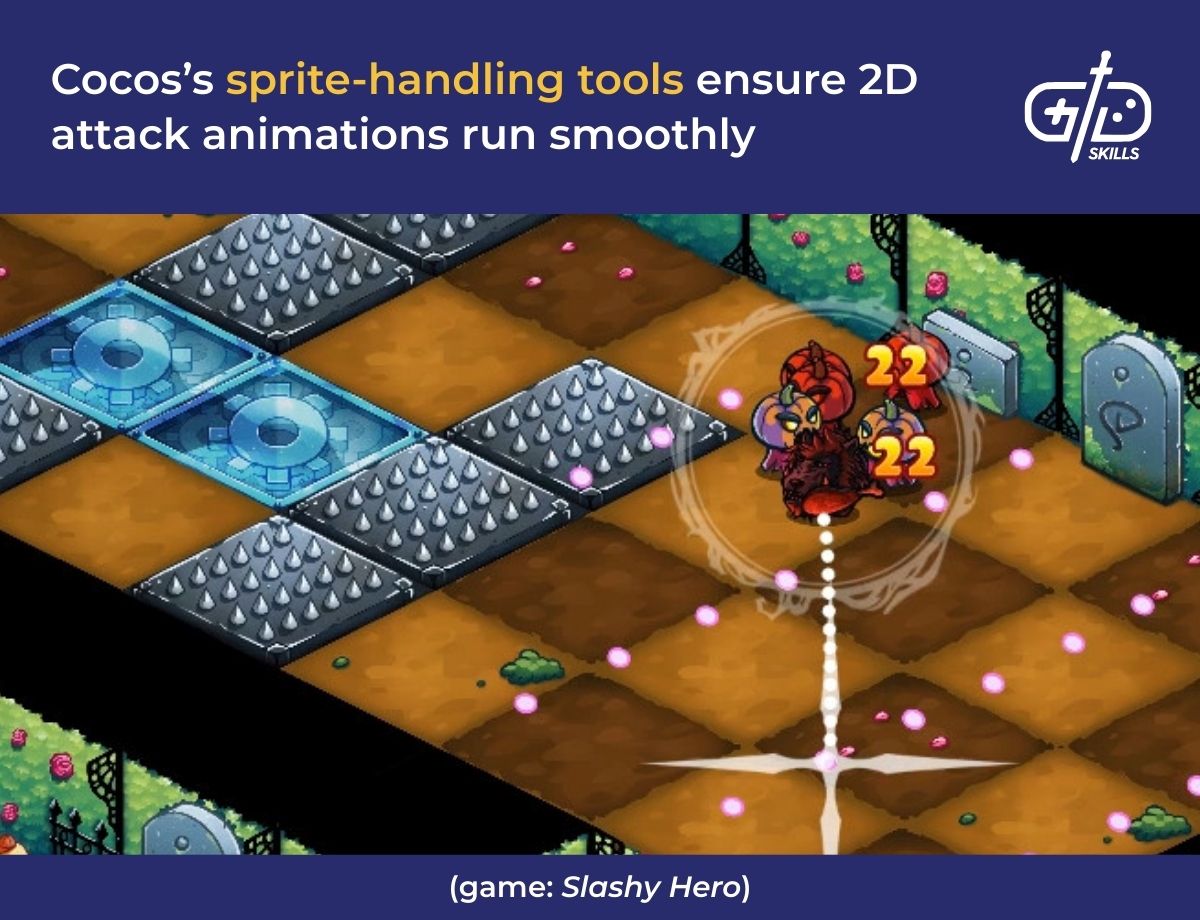
Cocos’s runtime is less enough that games run well even on low-end phones, whereas Godot comes with 3D tools that make it efficient but heavy for 2D mobile game development. Cocos is optimized for sprite-handling as well, so it manages assets like the relevant textures and audios efficiently. For games that combine 2D and 3D visuals, Godot is flexible and supports drag-and-drop handling which eases beginners in.
What kinds of games are created using Cocos and Godot?
The kinds of games created using Cocos are mobile games that use sprite-based animations and take up little VRAM on phones. Godot is used for indie-friendly games across genres, with tools that make it ideal for mobile games, as well as PC and console titles.
Cocos2d was used to create AFK Arena, a F2P RPG with idle mechanics that’s available across iOS and Android. Cocos’s sprite sheets and animation tools helped create the battle systems which use hand-drawn art. Happy Animal Hospital was made with Cocos too, and is a casual hospital management game with cheerful visuals and audio.
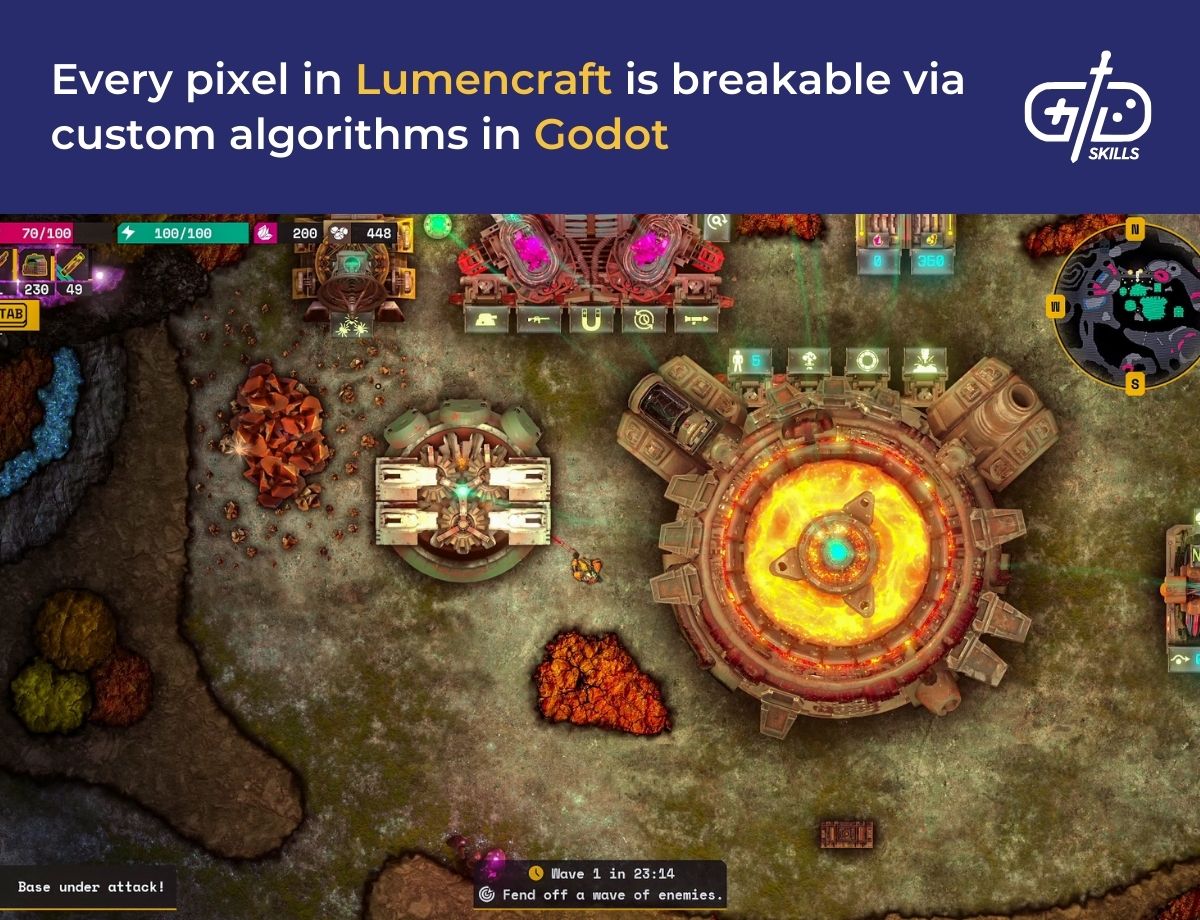
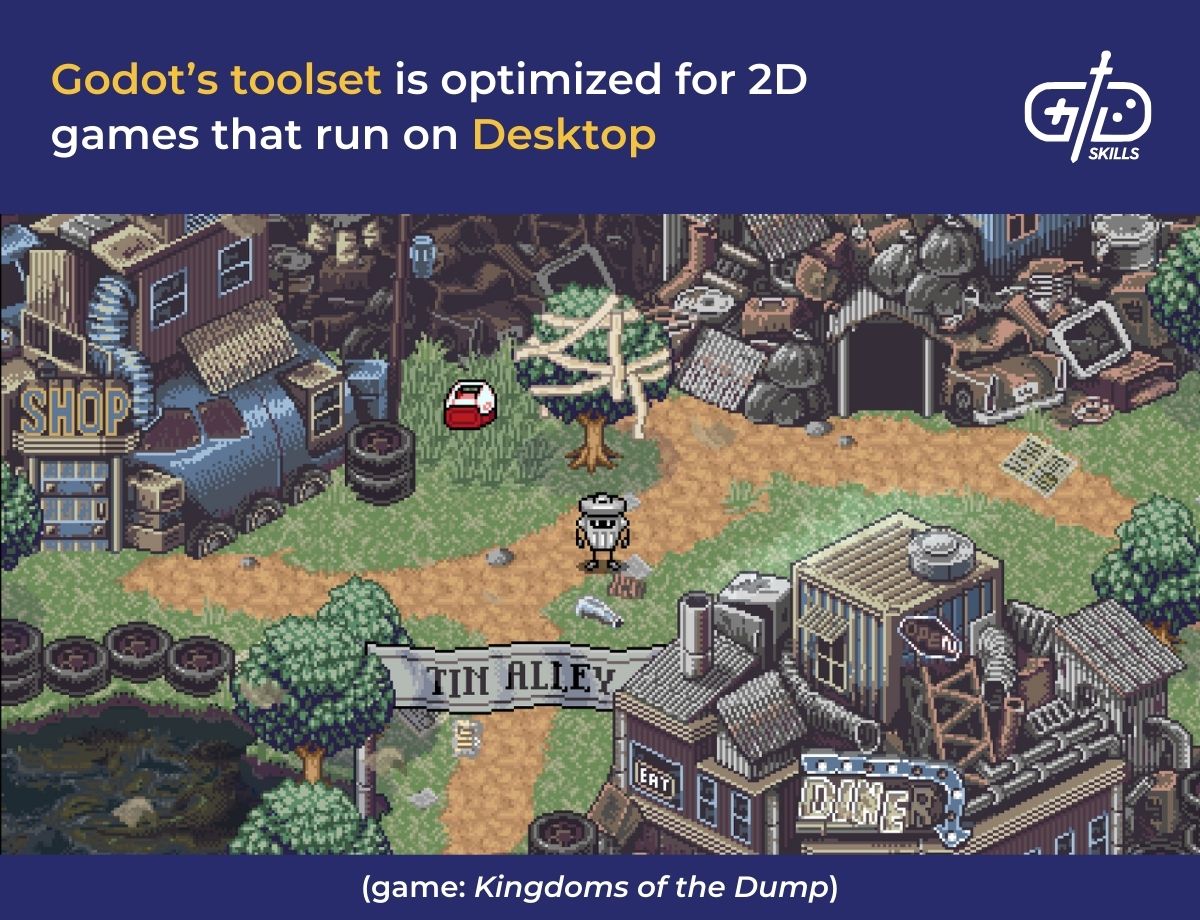
Godot’s toolset is more varied than Cocos so devs are able to create games that run across platforms smoothly, including consoles, and are beyond the casual genre. Godot is behind games like Lumencraft, a top-down shooter and base building game that’s available on Steam, and Usagi Shima. Usagi Shima is a mobile, bunny collecting game that’s available on iOS and Android.
Which is better for beginners: Cocos vs. Godot?
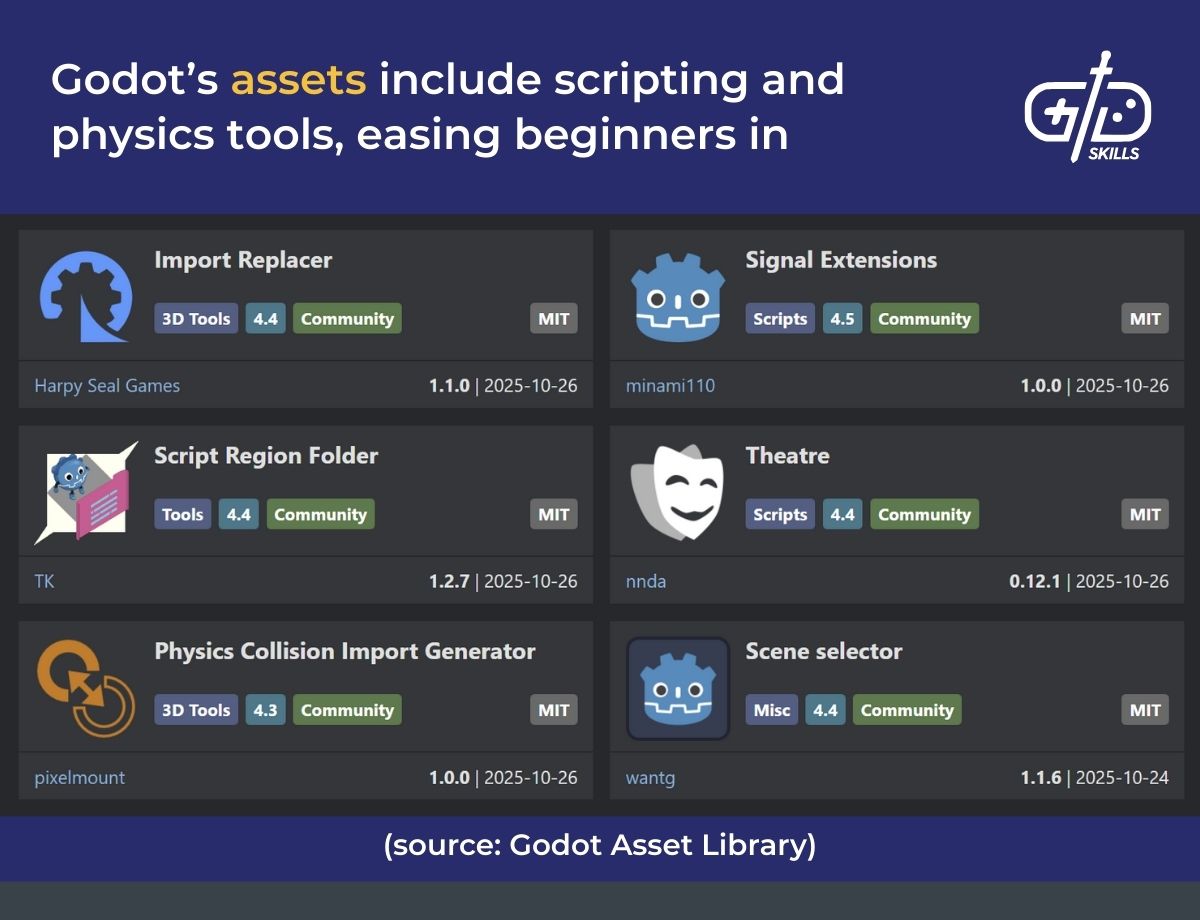
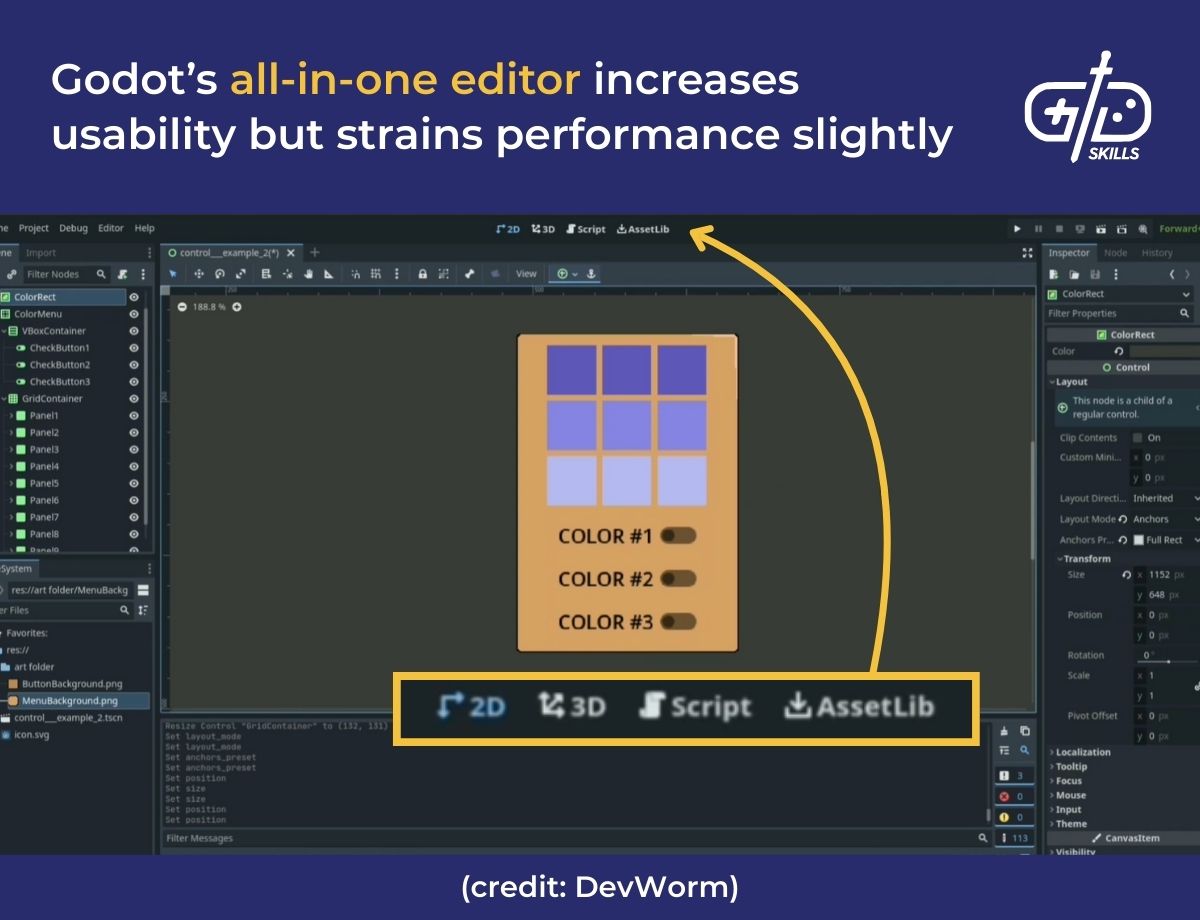
Godot is better for beginners as it’s easier to learn and use compared to Cocos. Godot’s node system is visual, reducing the need to code so devs are able to drag and drop objects, connect them and see the results immediately. GDScript (Godot’s own scripting language) is similar to Python, using indents instead of brackets and commas for code, which is easy to pick up.
Godot’s ease of use stems from how its editor is combined for both 2D and 3D game development, adding simplicity. The community is large and active so beginners are able to reach out for help with mastering the toolset and figuring out the UI. There are tutorials and plugins to scaffold beginners too.
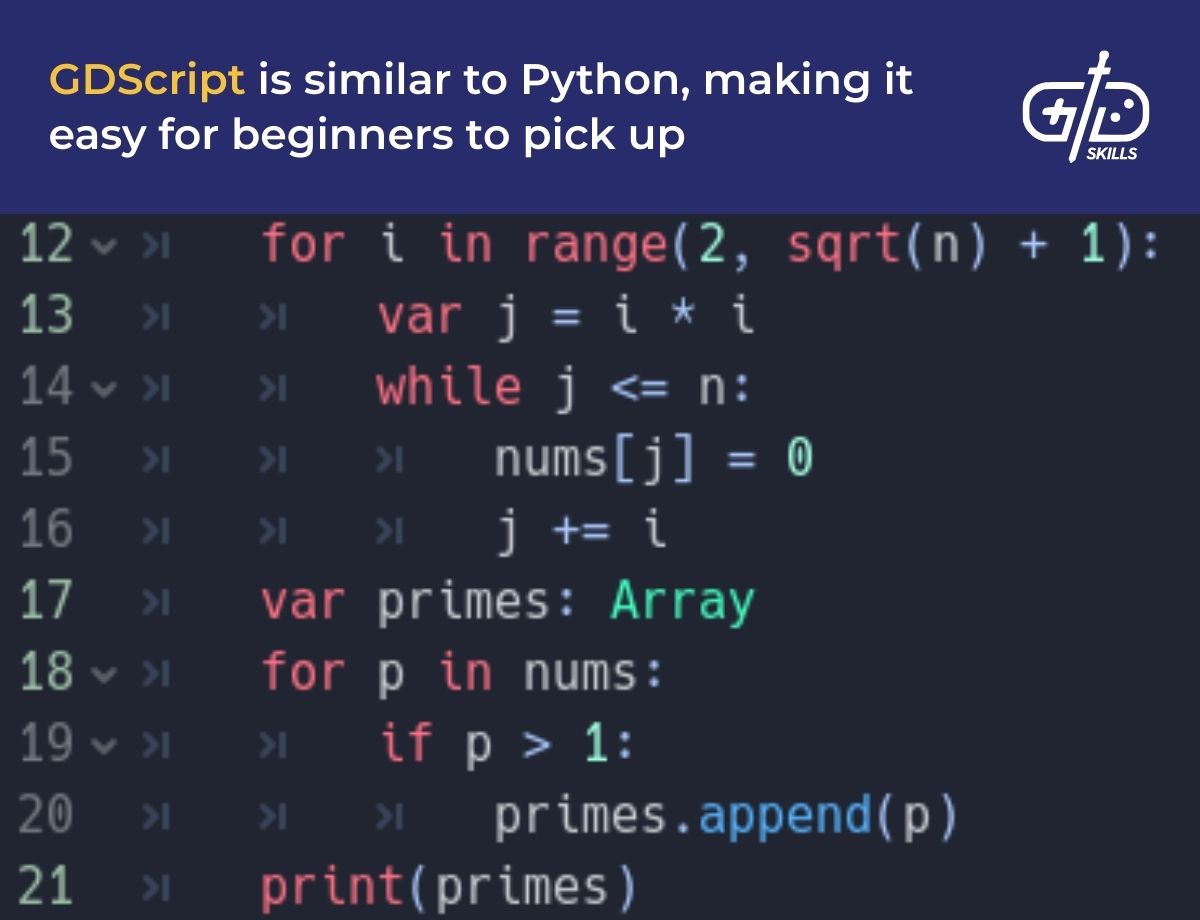
Cocos’s toolset, though efficient for 2D mobile game development, has a steeper learning curve as it comes with little to no visual tools. Devs need to be familiar with C++, or TypeScript if they switch over to Cocos Creator, adding difficulties for beginners that aren’t familiar with programming. Cocos’s community, despite being active in East Asian areas, is smaller than Godot’s, so there are limited tutorials and plugins for beginners to use.
What are the system requirements for Cocos vs. Godot?
Cocos2d is a framework, rather than a full editor like Cocos Creator, so it has minimal requirements compared to full game engines. Devs need a compiler and an SDK for their target platform, since Cocos runs on the modern version of any Windows, macOS or Linux OS. Godot has tools for 3D, so it needs high-end PCs to run smoothly despite being compatible across Windows, macOS and Linux as well. The table below shows the minimum system requirements for Cocos and Godot.
| Component | Cocos2d | Godot |
|---|---|---|
| OS | Any modern version of Windows, macOS and Linux | Windows 10+, macOS 10.15+, Linux released after 2018 |
| CPU | Runs on any 64-bit processor | 64‑bit Intel/AMD processor with SSE2/SSE4.2 support |
| RAM | 2 GB | 4 GB but 8 GB for 3D projects |
| GPU | Basic OpenGL ES 2.0 support (for mobile) or OpenGL 2.1 (desktop) | Any GPU supporting Vulkan or OpenGL 3.3; 2 GB+ VRAM recommended for 3D |
| Storage | 200 MB for source and SDKs | 1 GB for editor, plus extra depending on project assets |
Cocos is built for 2D mobile games, focusing on sprites and skeletal animations, so it presents a lower runtime. Games are able to run well even on low-end phones as a result and it has efficient asset handling to keep memory use low. Godot supports both 2D and 3D development with an advanced toolset that’s comprised of node systems and rendering tools. This adds to the runtime, 3D features bringing in lighting, physics and shader tools, and the platform support extending to consoles adds weight too.
What are the pros and cons of Cocos vs. Godot?
The pros and cons of Cocos and Godot revolve around their respective runtimes, toolsets, flexibility and accessibility for beginners. Cocos has been around since 2008, churning out mobile titles and has evolved to be able to support cross-platform deployment. The toolset is still built for mobile, which limits its immediate use for beginners since logic needs to be coded in for cross-platform use. The table below provides an overview of the pros and cons of Cocos.
| Pros | Cons |
|---|---|
| Lightweight runtime makes it efficient for mobile games | Needs more technical set-up for cross-platform use |
| Sprite management is optimized for animations to run smooth | Community is smaller and based in Asia |
| Little VRAM used | Node-system isn’t as advanced as Godot’s |
| Open-source so devs can modify via C++, JavaScript or Lua |
Godot is open-source, similar to Cocos, but has an MIT licensing which gives devs more freedom of use. Godot’s platform support goes beyond mobile and desktop to consoles, though this needs additional steps to be smooth. The pros and cons of Godot are listed out below.
| Pros | Cons |
|---|---|
| Beginner-friendly with drag-and-drop tools and GDScripting | Heavier for mobile, especially with 3D features coming into play |
| Toolset supports both 2D and 3D game development | Newer compared to Cocos so some features are still evolving |
| Community is large and global, adding plugins and assets | Sprite handling isn’t as optimized for mobile compared to Cocos |
| Lesser AAA or commercial titles in mobile compared to Cocos |