

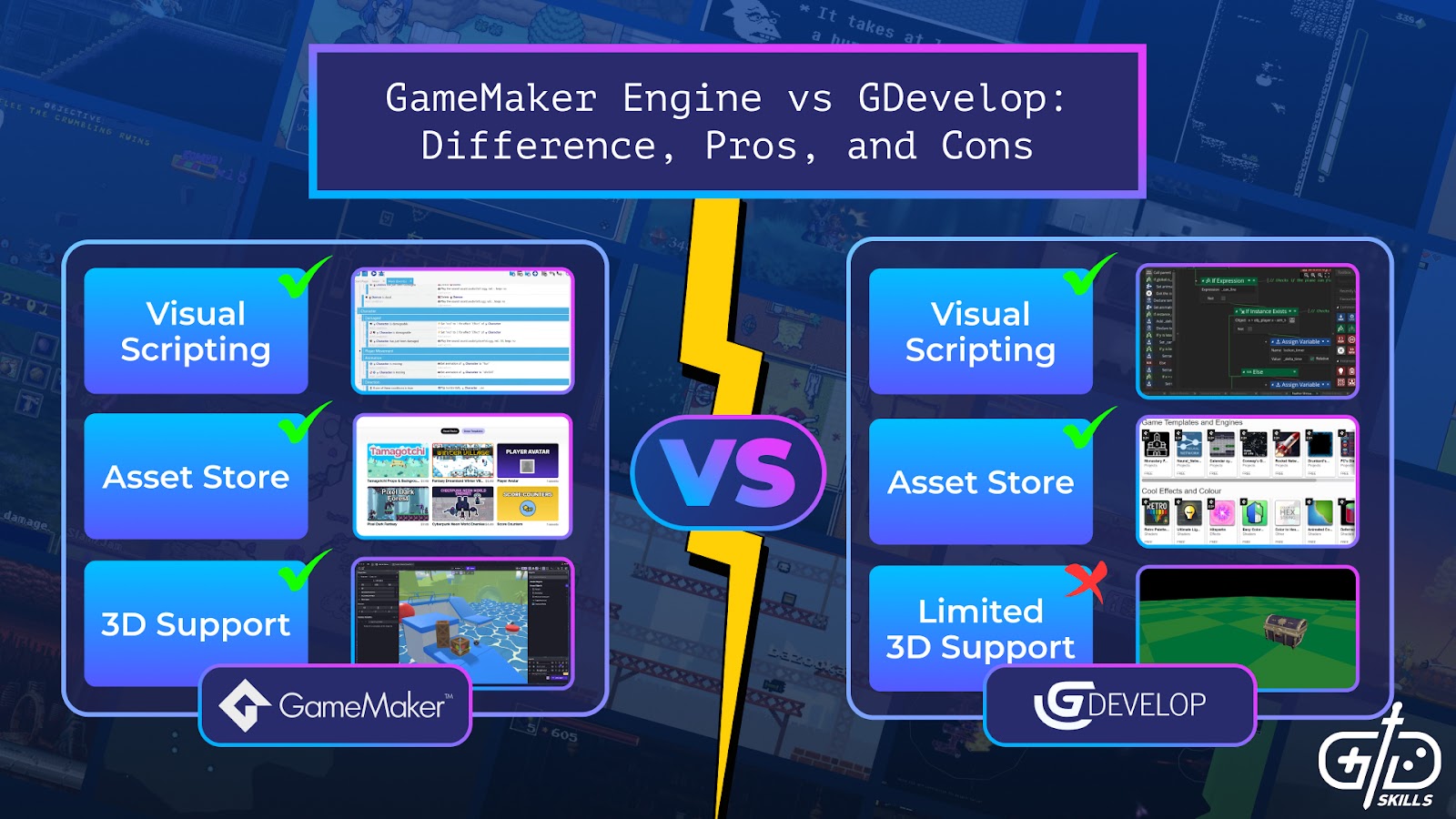

GameMaker and GDevelop are both popular engines for small-scale 2D games. GameMaker is an established program with over 25 years of history, making it one of the first off-the-shelf engines available for indie developers. The full release of GDevelop just came out of beta in 2021, but the no-code toolset, AI assistant, and asset store integrated directly with the editor make it a popular choice for mobile and casual games. Read on to learn more about the differences between the two engines, which is best for beginners, what kinds of experiences developers have made with these two engines, and the system requirements for both pieces of software.
What are the differences between GameMaker Engine vs. GDevelop?
The differences between GameMaker Engine vs. GDevelop are in the way programming works, the level of support for 3D, the asset pipeline, and the number of platforms that support the editor. GameMaker came from an era where off-the-shelf solutions for game design were uncommon, so it focused on giving all the tools necessary for creating the simplest types of games: 2D experiences. GDevelop is a much more recent engine which focuses on a brand-new style of visual scripting. Due to its open-source nature, GDevelop is always growing.
| GameMaker | GDevelop | |
| Price | Free tier for non-commercial use, one-time fee for professional use, and $79.99/month for console export | Subscription based, ranging from a free tier to pro at $32.99/month |
| Programming Language | GML (GameMaker Language) and visual scripting | Visual coding done through Events |
| Editor | Windows, Mac, and Ubuntu (Ubuntu is still a beta platform) | Windows, Mac, Linux, iPad, iPhone, and Android |
| Platforms | Supports export to Windows, MacOS, Linux, Web, and mobile for free. Paid tier enables PlayStation 4 and 5, Xbox One, Series X|S, Nintendo Switch and Nintendo Switch 2 | Supports exporting games to Windows, MacOS, Linux, Web, and mobile |
| Genres Commonly Developed | RPGs, action games, side-scrolling shooters, platformers, puzzle games | Platformers, twin-stick shooters, puzzle games, adventure games |
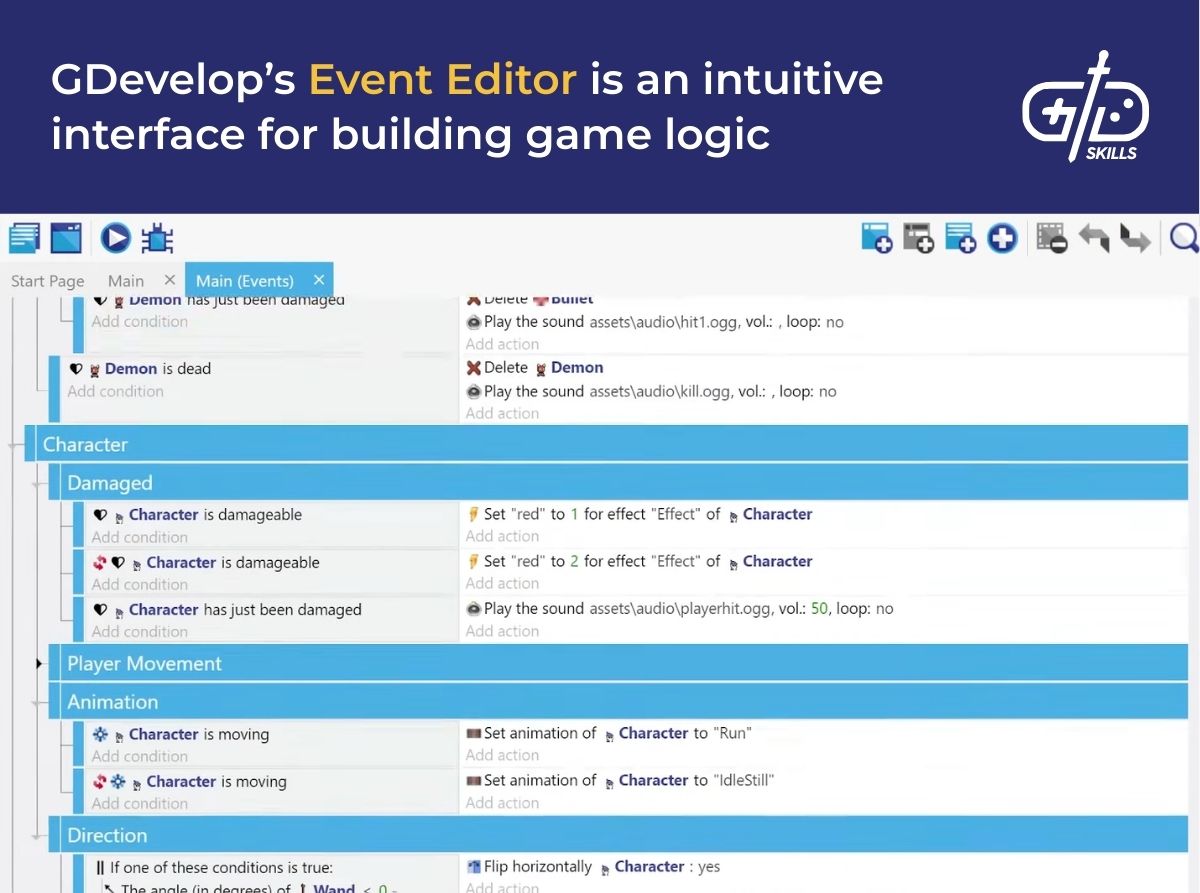
Programming with GDevelop takes place in the Event Editor. The Event Editor is a visual scripting solution that works differently from competitors’ node-based editors (such as GameMaker’s). Events are a list of conditions attached to an object. The conditions list a set of actions that occur when those conditions are met. The event Demon/Bandit/Monster is dead is followed by the Delete Demon/Bandit/Monster action, for example. The functionality is similar to visual scripting in other game engines, but it does so with a different form factor. To those who know the Tactics screen in Dragon Age: Origins, the system looks familiar.
GameMaker gives developers options with two programming solutions: GML and visual scripting. GML (GameMaker Language) is a custom-built coding language with syntax based off of the C-family languages, like JavaScript and C++. The advantage of GML is that it’s forgiving for newcomers, making its best guess at the coder’s intention if they break a syntax convention. Missing a semi-colon doesn’t cause an error, as a line break does the same thing. An if statement controls any code between curly braces {} or a begin and end statement. Having several options makes it more resistant to errors than JavaScript, which GDevelop uses for custom scripts, Unity’s language C#, or Unreal’s C++.
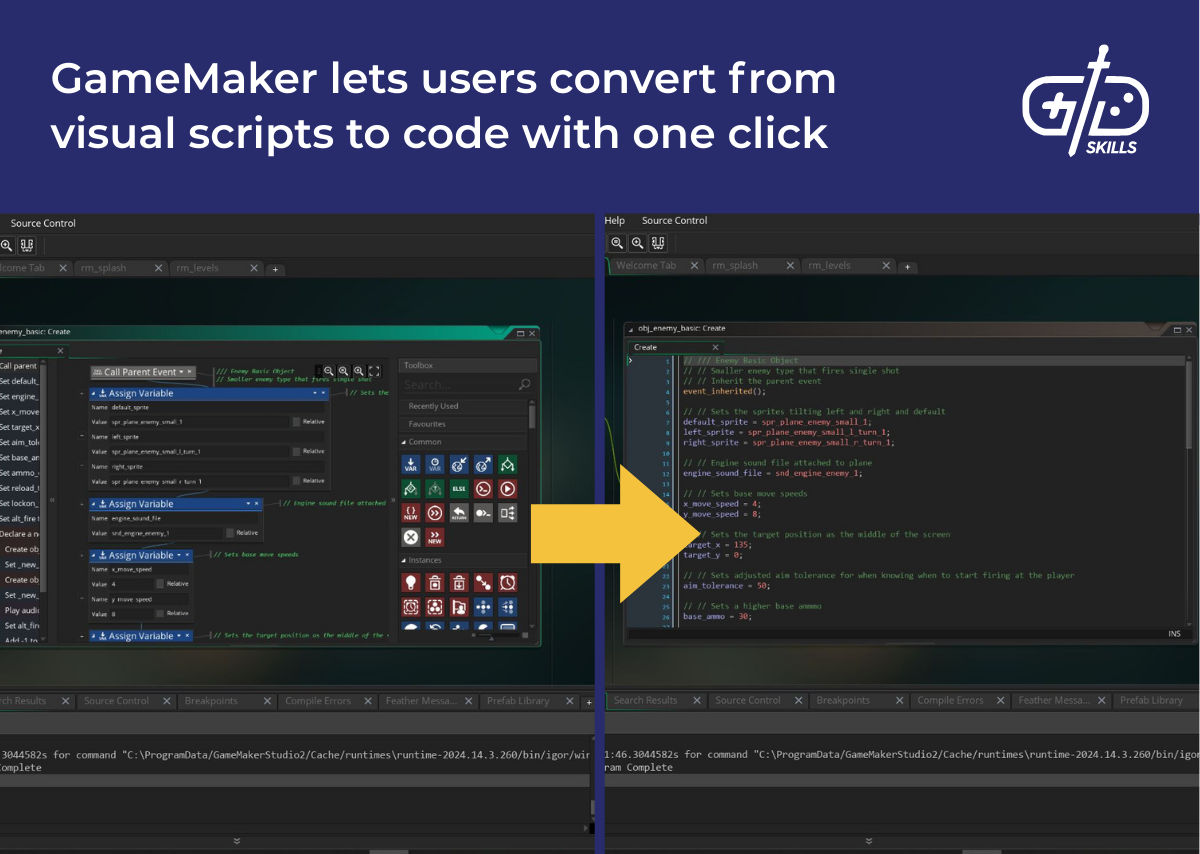
GameMaker comes with a visual scripting system in addition to coding. Visual scripting’s big advantage in all engines isn’t that it replaces code, but that it offers a more accessible option to learn coding before getting into a programming language. GameMaker targets learners by making all visual scripts automatically convertible into code. As a beginner develops their understanding, they’re able to explore for themselves how a script works by seeing how their scripts look in GML. GDevelop doesn’t allow conversion from events to JavaScript, so learning to code through experimentation isn’t possible. GameMaker’s encouragement to move on from visual scripts to code means developers learn the skills needed for programming in other game engines like Unity.
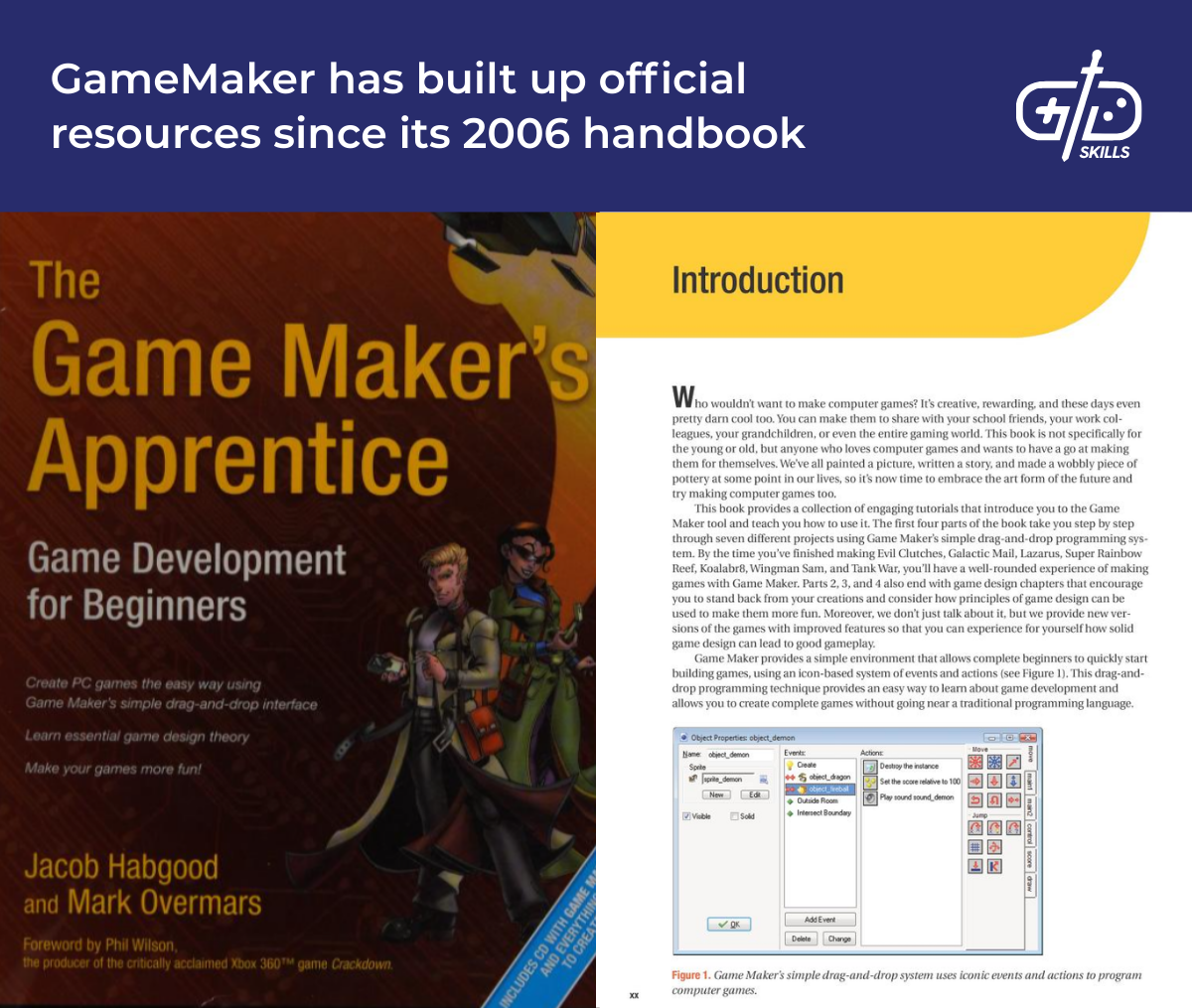
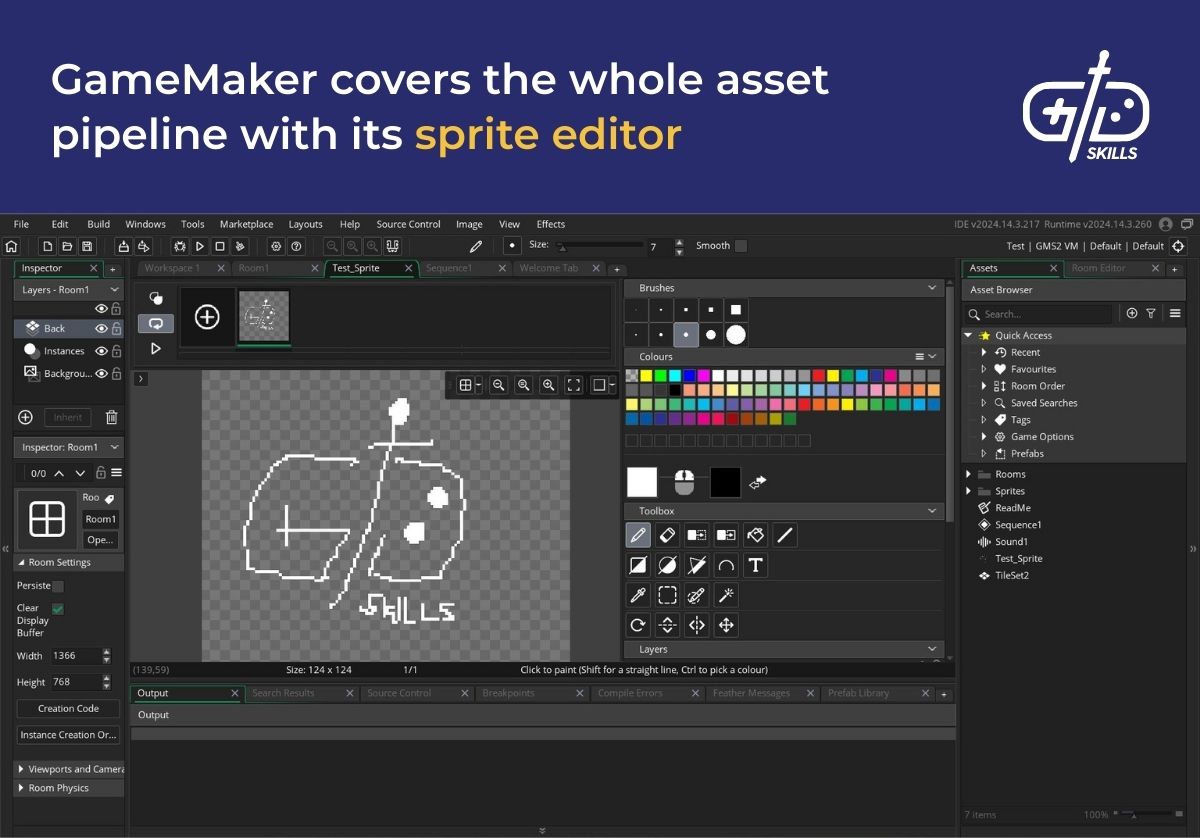
GameMaker’s origins as an educational tool show through its complete asset pipeline. A sprite editor for creating backgrounds, characters, and props is available directly within GameMaker, unlike for GDevelop. The editor isn’t as powerful as a standalone solution like Photoshop, but for low-res pixel art or quick iteration, having a tool in-engine is valuable. A developer making a prototype doesn’t need to go anywhere else to make a complete game.
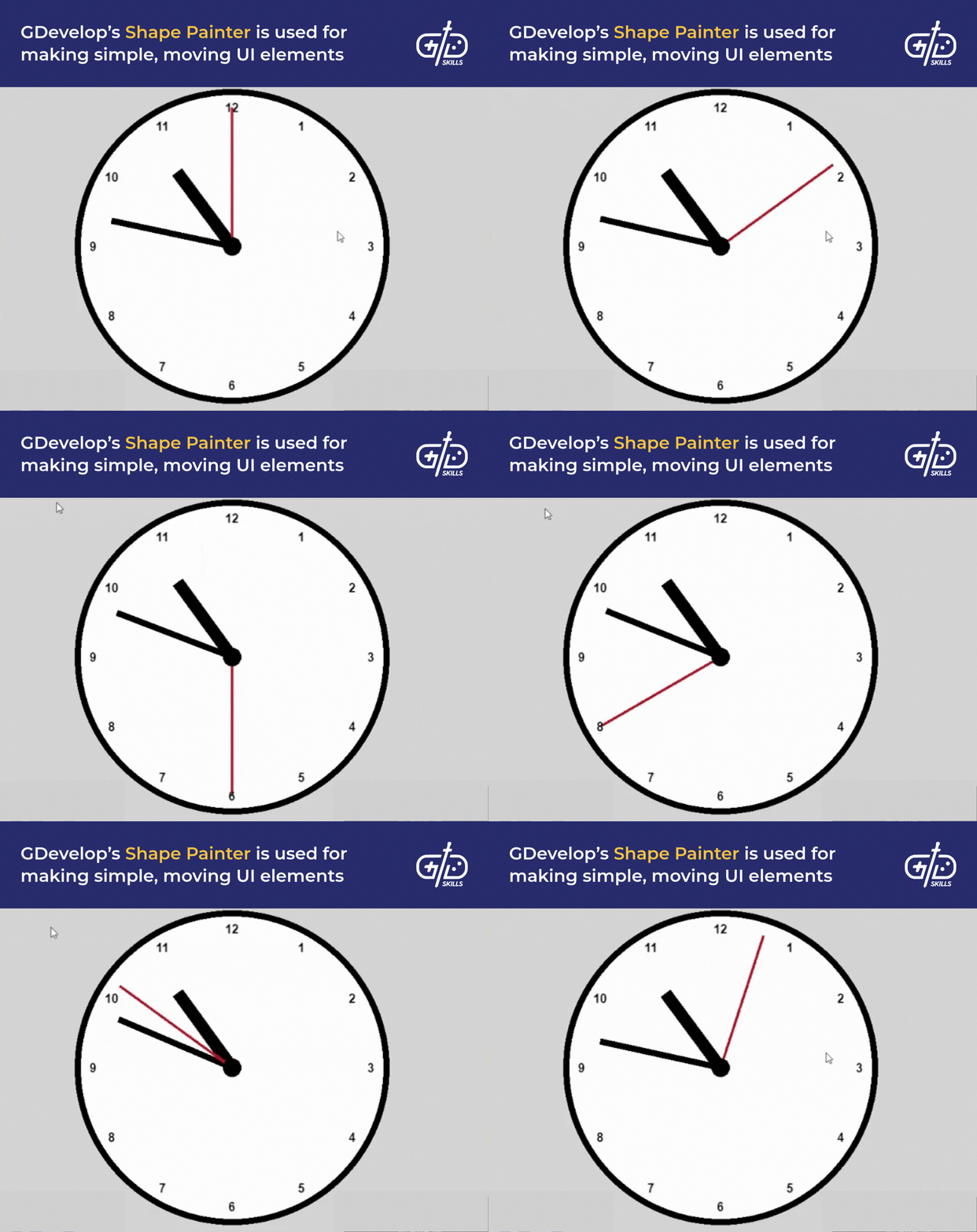
GDevelop doesn’t have the same asset creation tools as GameMaker, but it does have an easy asset pipeline which handles 3D objects as well as 2D sprites, a feature GameMaker lacks. Rectangular primitives are available in-engine for quickly blocking out a scene. GDevelop supports the glTF format, which software such as Blender supports (exporting from Maya or 3DS Max requires plugins). The 2D sprite support is fully functional as well, letting users add tileable sprites and scalable panel sprites in addition to standard, static images. The final tool worth mentioning, Shape Painter, lets users create UI elements out of simple lines, circles, and squares.
GameMaker supports importing 3D objects and changing the camera’s position in 3D, but it isn’t designed for 3D. No editing viewport is available for moving, scaling, and rotating objects in the scene. The designer isn’t able to navigate through the 3D space either. Developing in 3D means telling the objects where to appear in code, running the game, checking where everything is, and correcting any mistakes. The workflow is so slow that using GDevelop or another engine is highly recommended.
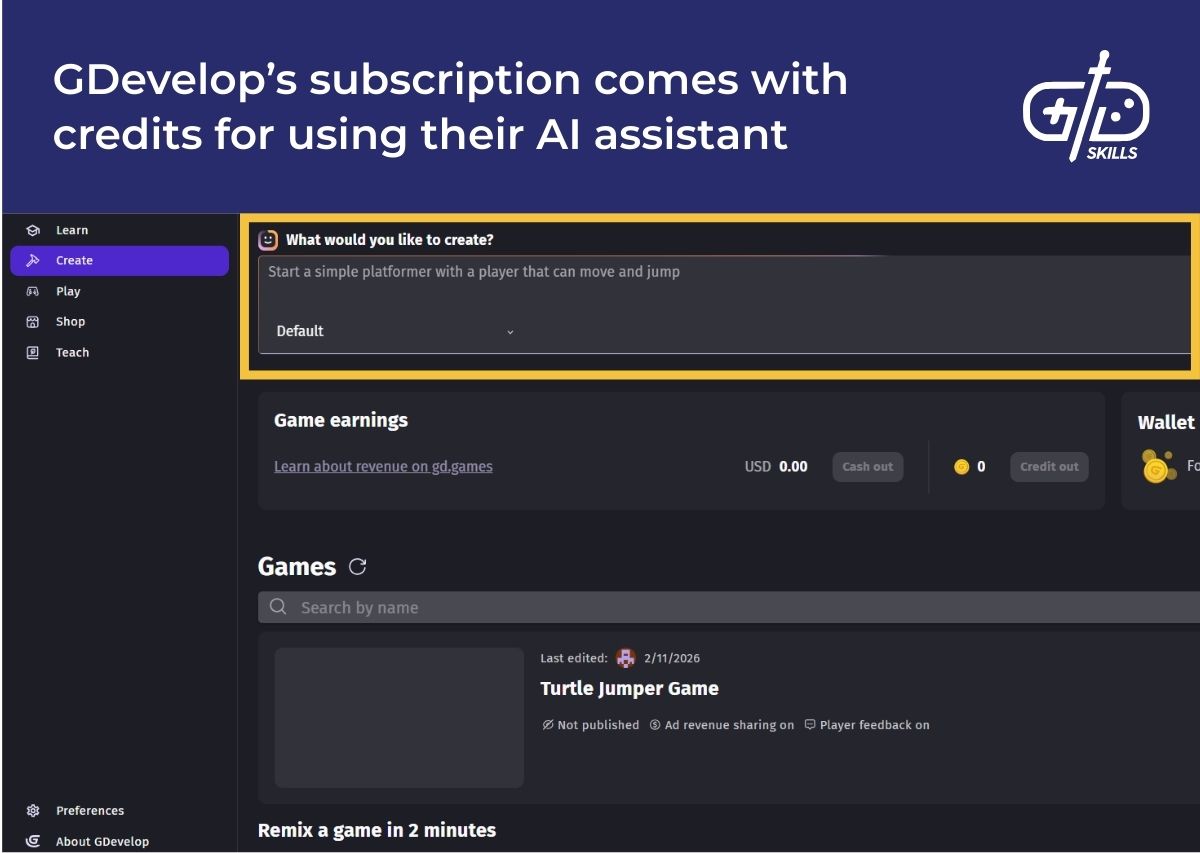
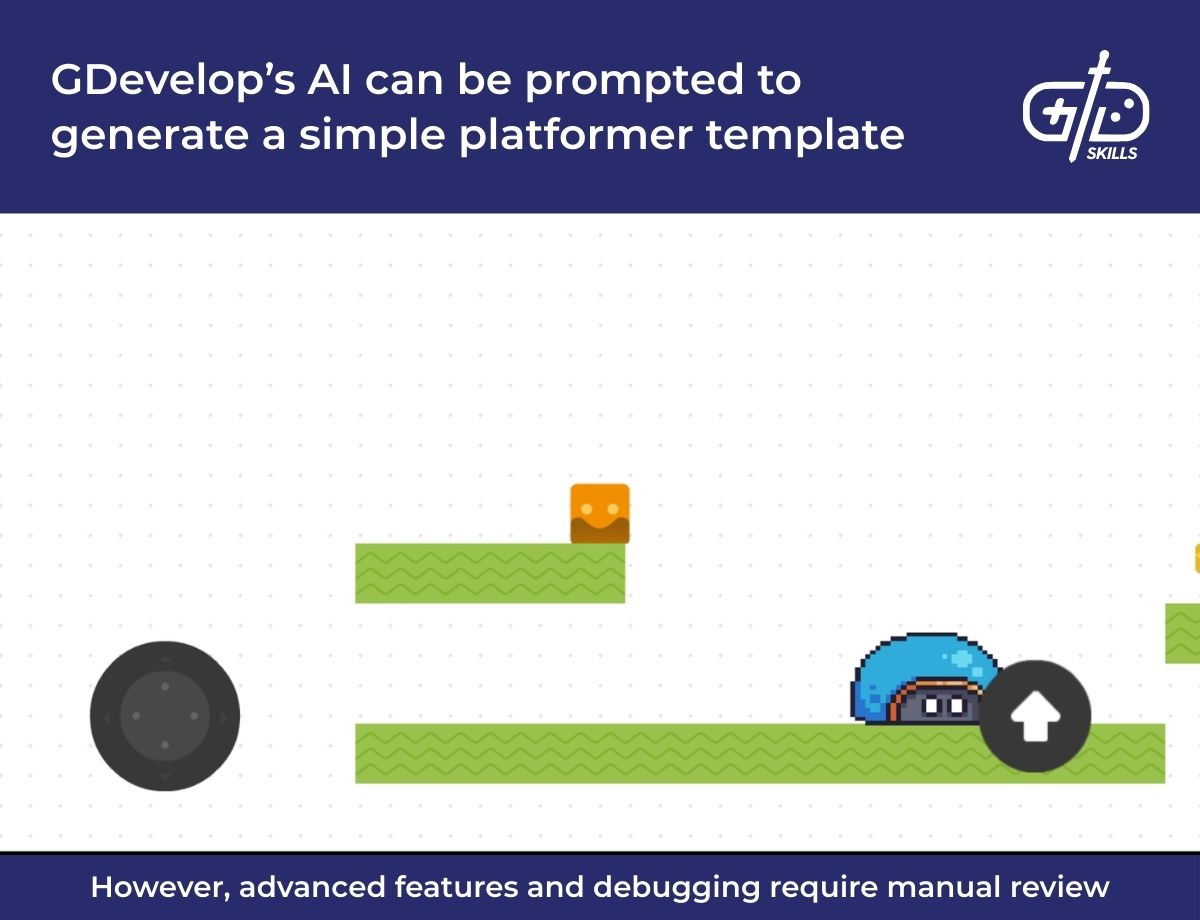
GDevelop has integrated an AI assistant into the editor which speeds up the process of asset creation. Subscribers to GDevelop get tokens to use for generating art, building game logic, or even constructing full scenes. When putting together a scene, the assistant assembles the basic building blocks of logic with assets from the store to build according to user prompts. The results are surprisingly effective, but require further prompting and manual tweaking to make something that fits the intended experience.
Which is better for 2D games: Gamemaker or GDevelop?
GameMaker is better for 2D games given its long history focusing on exactly that market. GDevelop is a new and growing engine, so it doesn’t have the purpose-built sprite editor, terrain editor, and cutscene creator that GameMaker has. Building a game that isn’t an RPG, puzzle game, or 2D shoot-‘em-up is challenging, but GameMaker is one of the best products out there to quickly finish a game in one of these genres.
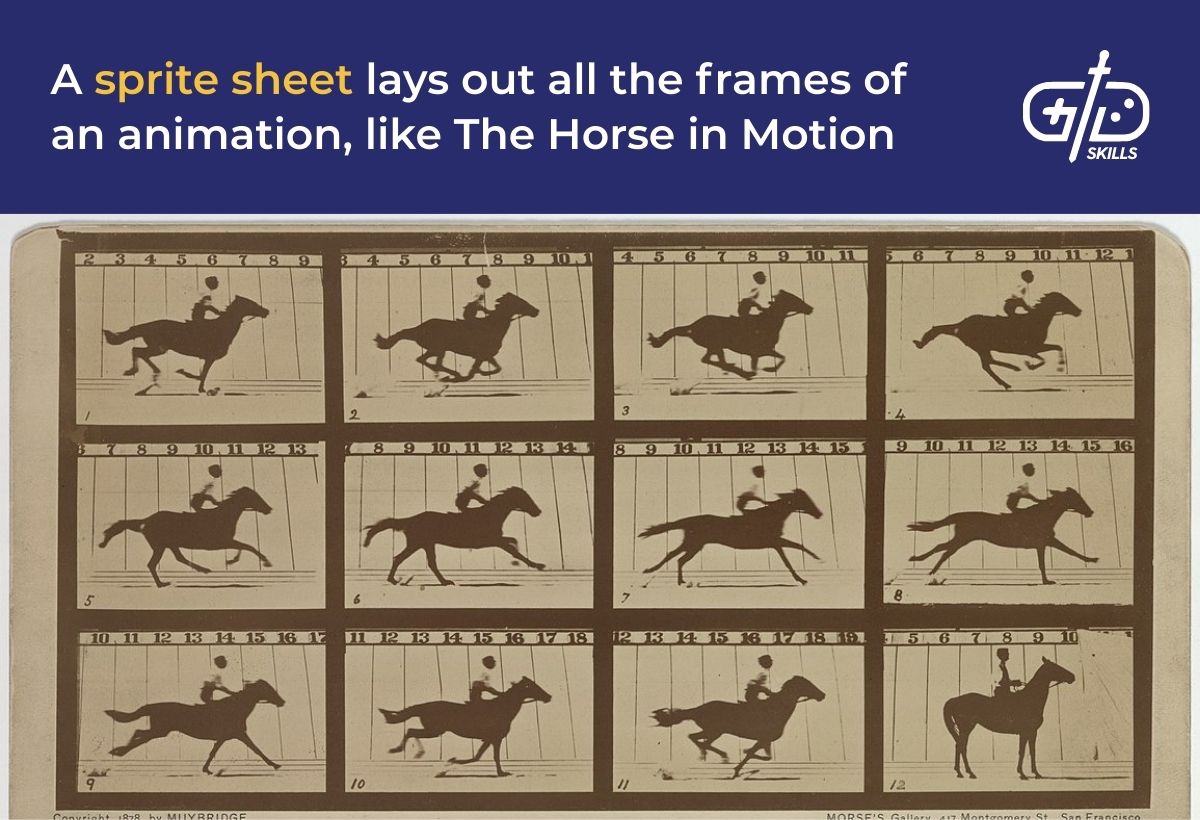
GameMaker’s focus on 2D means that its tools are powerful. The built-in sprite editor supports importing images as sprites through dragging and dropping. If the sprite is an animated character, developers have the option to drop in a whole sprite sheet, which is a single image that shows all frames of an animation. Splitting the frames manually is an option, but the user is also able to add “_stripn” at the end of the filename and have GameMaker split it into frames automatically (n is the number of frames). Once the frames are in the editor, artists are even able to move them around and change the order if they wish.
The built-in image editor means no other software is necessary to create a sprite from scratch. The image editor supports creating frames for an animation, as well as onion skinning, which shows a ghost of the previous frame over the current one. The editor itself contains standard image editing features like customizable brush shapes, layers, selection from a color palette, and tools for filling, erasing by manually or by color, selecting, and moving images. The toolset is nowhere near as advanced as Photoshop, but works well for simple artwork.
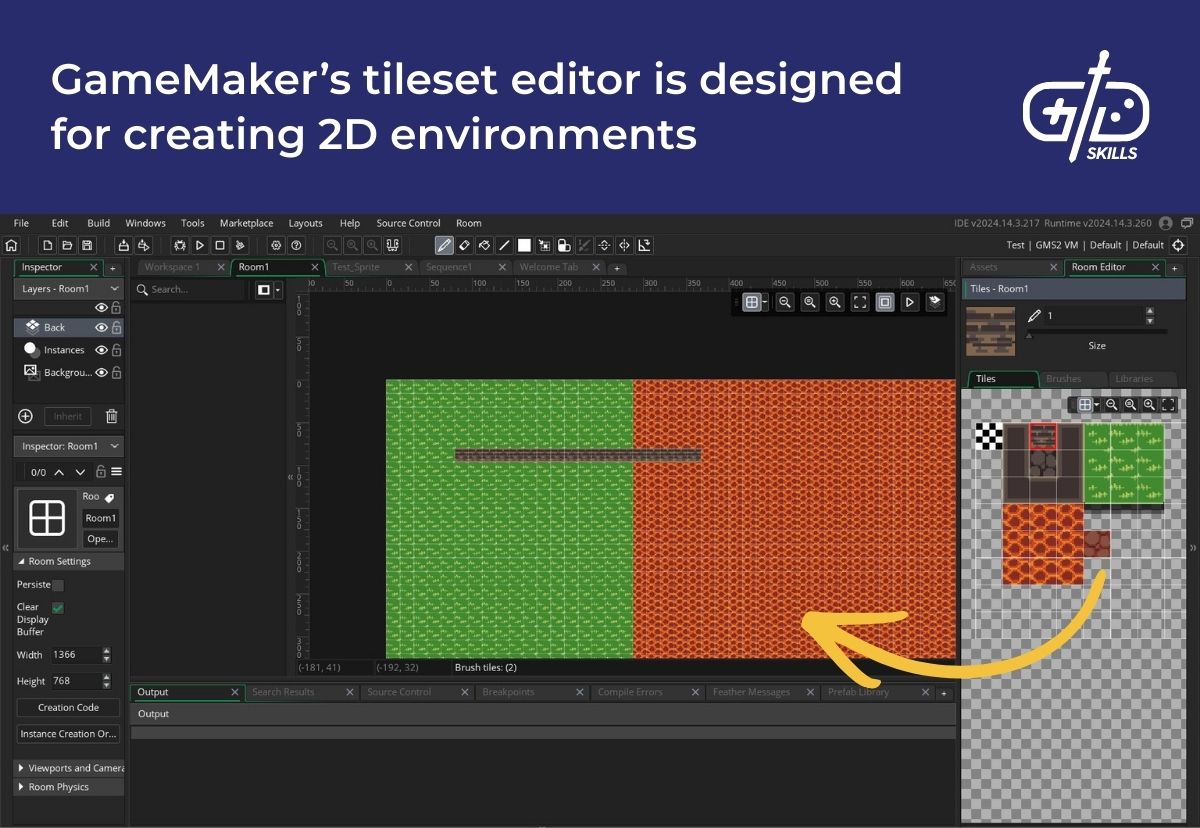
The tileset editor lets users create games with tile-based visuals like Celeste quickly. A tileset is a single image with a set of equal-sized building blocks. Tilesets include tiles for the ground, walls, obstacles, and any other environmental objects required for the game. Like a palette, the level designer takes pieces from the tileset and constructs the paths and platforms that make up the environment. GameMaker’s editor lets developers split their level into layers for easily selecting certain objects, switch out tilesets to change the look of an environment on the fly, and automatically switch out tiles based on context (for example, switching a grass block for a dirt block after it gets burnt or dug up).
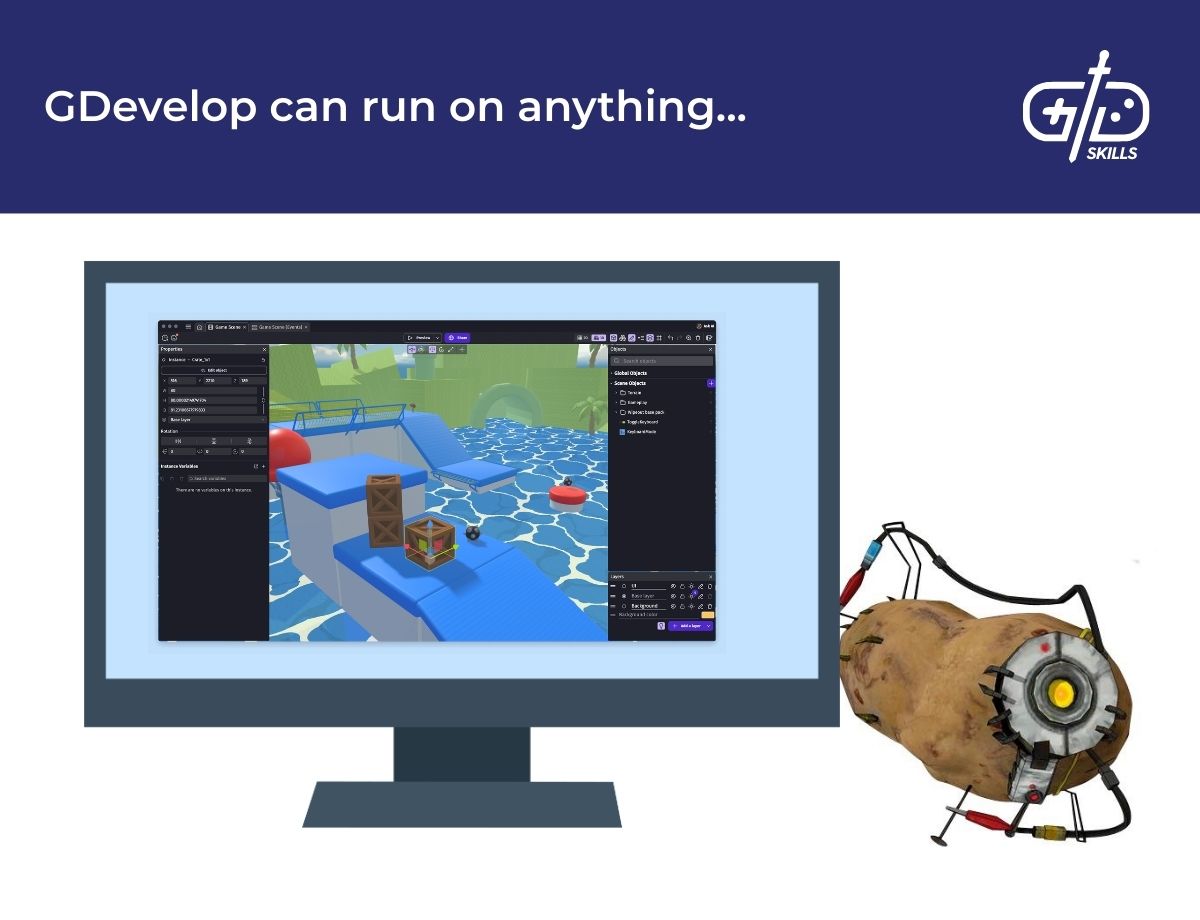
GameMaker’s licensing system makes GDevelop a better option for 2D developers on a budget. GDevelop is open-source and free. The subscription tiers only affect the number of AI tokens available and increase the number of platforms allowed for export. GDevelop’s editor is available on Web and mobile as well, letting users make changes with virtually any device. For small-scale mobile games, where speed and economy are important, GDevelop is a serious contender.
What kinds of games are created using GameMaker Engine and GDevelop?
The kinds of games created using GameMaker Engine and GDevelop are 2D experiences including puzzle games, shooters, RPGs, and platformers. GDevelop is aimed at the web and mobile market, so its audience is casual, while hits from GameMaker like Katana Zero and Undertale aim at a hardcore audience.

GameMaker is a 2D engine, so RPGs, shooters, roguelikes, puzzle games, platformers, and puzzle games are common. The GameMaker website hosts a showcase of some of the most prominent games created with GameMaker. Spelunky Classic, a game that kicked off the popularity of roguelikes in the modern day, was originally created by Derek Yu with GameMaker. Spelunky’s source code is still available online for those who want to see how the procedurally generated dungeon-crawler is constructed.
GDevelop’s premade bricks of logic are designed for simple experiences. Hypercasual puzzle games and platformers are one-mechanic games that don’t require advanced optimization, artwork, or gameplay systems. GDevelop automatically generates control schemes for keyboard and mobile depending on the template (platformer, shooter, etc.). Creating the same controls in GameMaker must be done with scripts. The events editor includes preset behaviors which slot right in, so telling a platform to move back and forth, rotate in a circle, or collide with the player is much easier. The system is less configurable than GameMaker, but developers who know JavaScript have the option of diving into custom events.
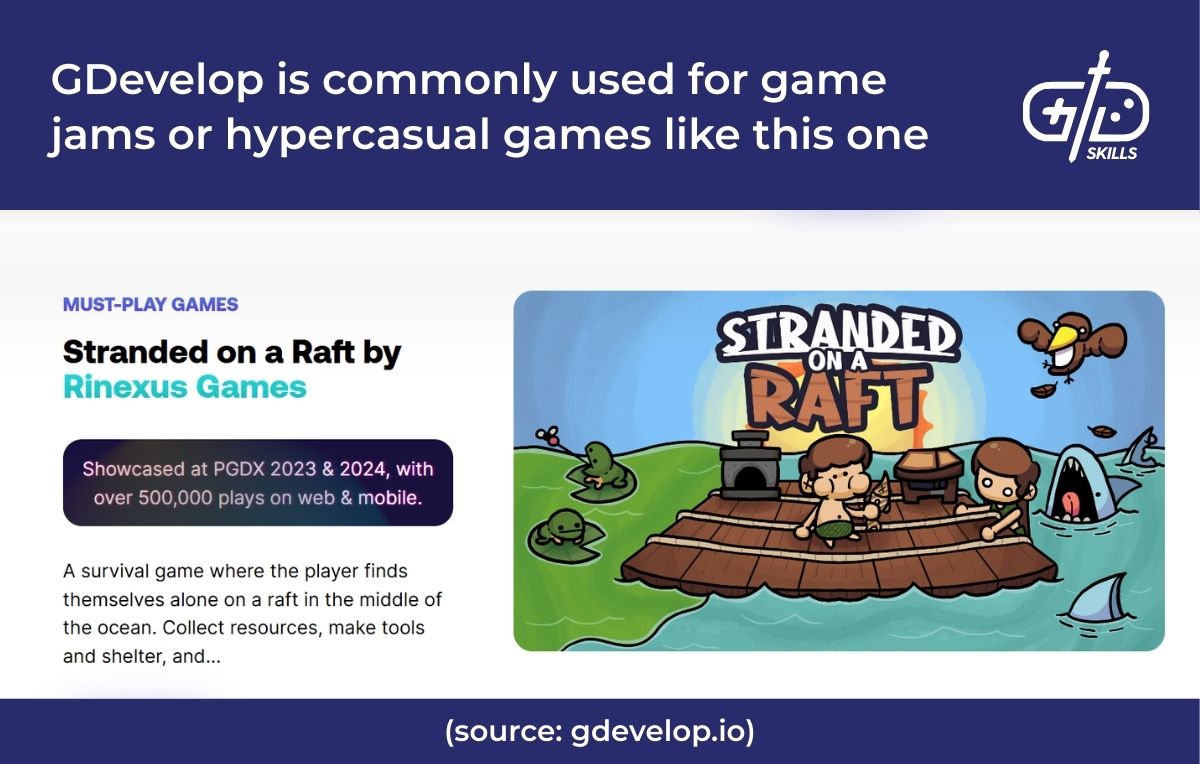
Both engines have the option to integrate ads with AdMob, which is another reason they’re commonly used for mobile games. Ads are a crucial source of revenue for the free-to-play model that dominates the casual market. AdMob support lets users integrate banner ads, which appear in a section of the screen, interstitial ads, which display between stages, and rewarded ads, which give players a boost in-game after viewing. Each integrates into GDevelop’s events system and GameMaker’s scripting system.
Which is better for beginners: GameMaker vs. GDevelop?
GDevelop is better for beginners who have no experience coding, but it doesn’t introduce beginners to workflows that are transferable to most other engines. A developer that plans to focus on simple, hypercasual games has little need to branch out beyond GDevelop’s feature set. If a beginner wants to move on to making bigger games in the future, GDevelop isn’t going to teach skills that apply to other game engines.
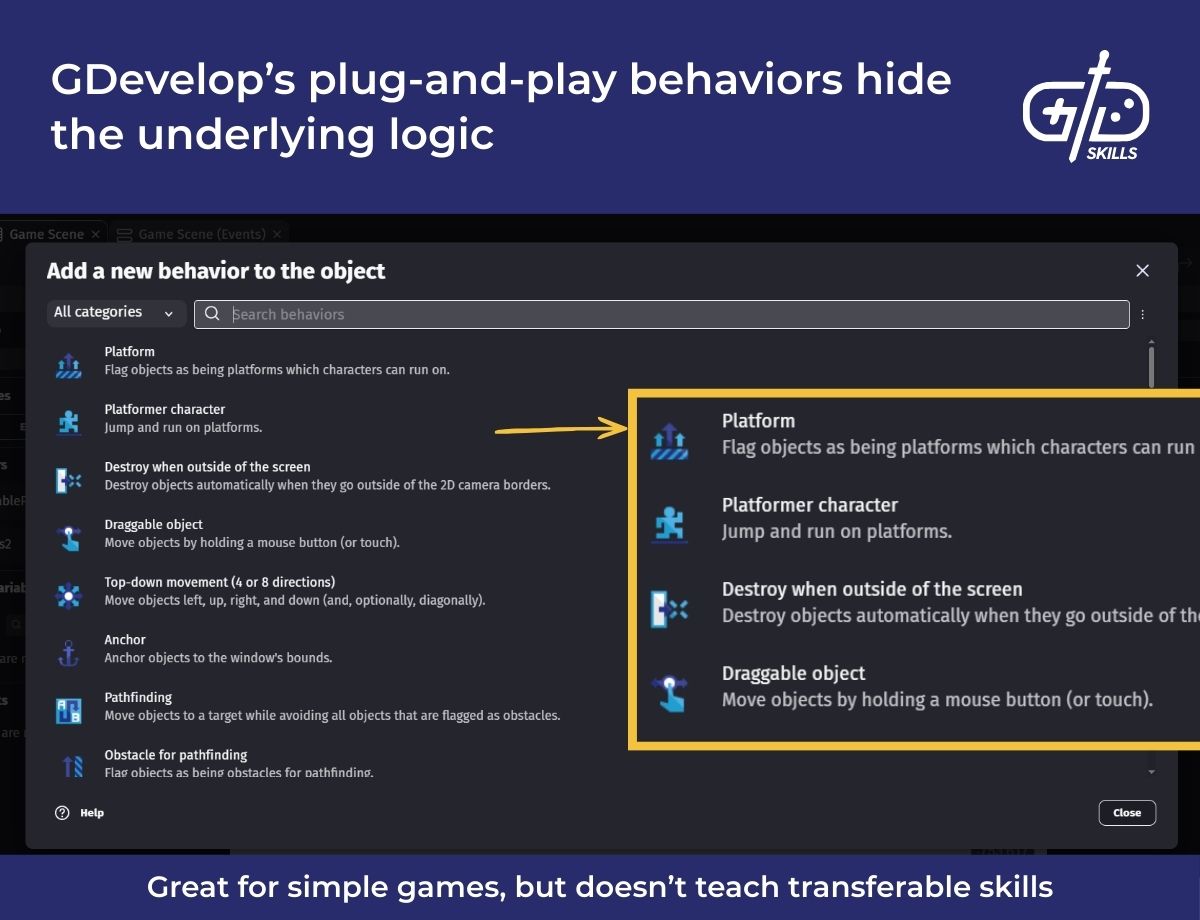
GameMaker’s approach to programming is the main reason it’s a solid choice for beginners looking to move on to more complex games. Working with prebuilt logic doesn’t let a game designer go in and customize it. Complicated games require coding because they need to be optimized. The way the computer executes code is as important as what that code does. GameMaker gives beginners a solid first step by easing them into coding with a full programming language.
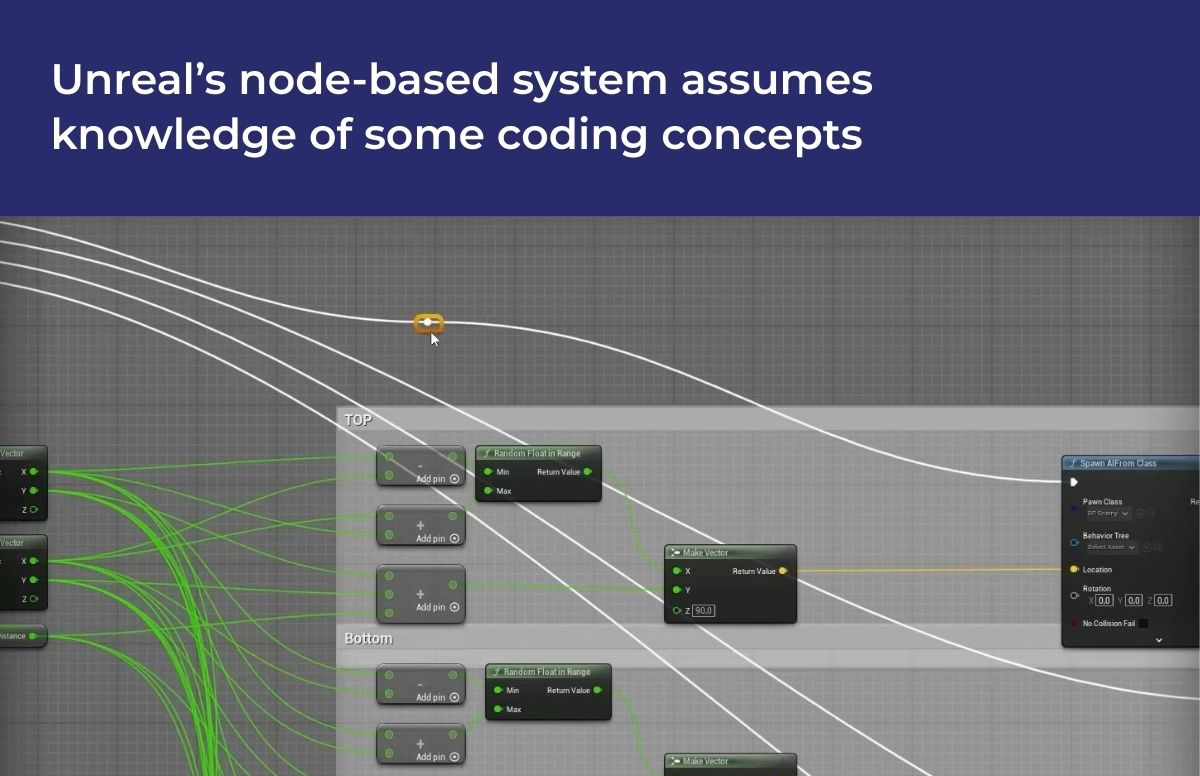
GDevelop’s free price tag for the first released game makes it a solid choice for early experiments. The no-code events system is intuitive, using the same building blocks as language itself. The events system is locked into what’s possible with existing events. The event system is also different from most visual scripting solutions, so beginners need time to transition from the Event Editor to Unreal’s Blueprints or Unity’s visual scripting.
There are far more tutorials for GameMaker than for GDevelop. The GameMaker YouTube channel hosts hundreds of videos covering all aspects of the editor. The engine’s 25-year lifespan means many content creators have created tutorials showing off how to build specific features. 1Up Indie, Dragonite Spam, Peyton Burnham, and Friendly Cosmonaut come highly recommended by community members.
What are the system requirements for GameMaker and GDevelop?
The system requirements for GDevelop and GameMaker are low and accessible to nearly any device. GDevelop doesn’t post any official system requirements, but their editor is designed to run on web and mobile. Any machine from at least the last 10 years is capable of running it. GameMaker recommends a dedicated graphics card, but it isn’t a strict requirement, making development on a cheap laptop with integrated graphics possible.
| GameMaker | GDevelop | |
| OS | Windows, Mac, and Linux | Windows, Mac, Linux, iPad, iPhone, and Android |
| Hard Drive Space | 3 GB | Mobile: 80-374 MBDesktop: 676 MB |
| CPU | Dual core CPU | 64-bit compatible CPU |
| RAM | 2 GB | Varies, min 1 GB |
| GPU | Dedicated graphics card recommended, but integrated is supported. | No recommendation |
| Graphics API | OpenGL 4 | WebGL |
What are the pros and cons of GameMaker Studio and GDevelop?
The pros and cons of GameMaker Studio and GDevelop are a larger ecosystem on GameMaker’s side and a quick, mobile-focused workflow on GDevelop’s side. GameMaker’s strengths come from its advanced feature set for building 2D games. One editor is all that’s needed to build assets, create game logic, and ship a title. The editor is available for free, and a one-time fee makes the engine accessible to indie developers.
The pros of GameMaker in comparison to GDevelop are given below.
- A quarter century of history in the market means a large community of experienced users is available.
- The GML coding language offers an accessible option for programmers and non-programmers alike. The fact that visual scripts convert to GML makes learning it even easier.
- The code, image, and sequence editors make building assets from scratch for a quick prototype possible with one program.
- A free tier and a pay-once monetization system make it accessible for beginners.
- The interface is laid out in a similar way to other game engines, making skills transferable from GameMaker to other engines.
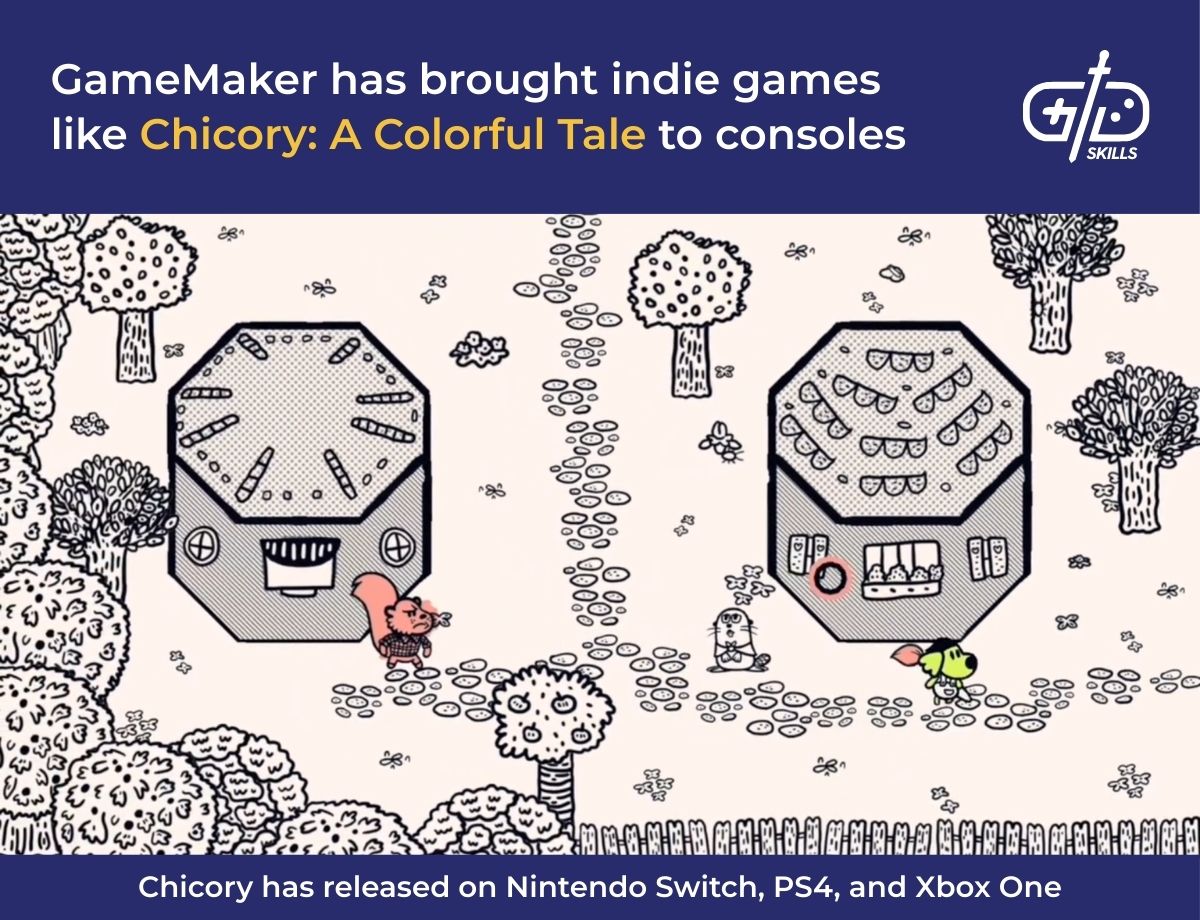
- Publishing options for consoles are available for GameMaker, unlike GDevelop.
The pros of GDevelop are likely to grow as it accrues more and more features. The current version of the software has a uniquely powerful visual scripting system for mobile games. The built-in asset store and AI assistant make prototyping a template quick, and the process is going to get quicker as they refine the AI’s model. Being open-source, multiple contributors are able to add features to the engine. Additionally, users are free to fork the repository on GitHub (creating a personal copy of the source code) to develop their own features.
The cons of GameMaker in the following list summarize the engine’s weaknesses compared to GDevelop.
- The GameMaker editor doesn’t provide a web and mobile interface like GDevelop.
- GDevelop’s AI assistant is unlike any of GameMaker’s features.
- The Asset Store isn’t available directly within the app.
- A fee is required to release a commercial game.
- GameMaker is restricted to 2D games.
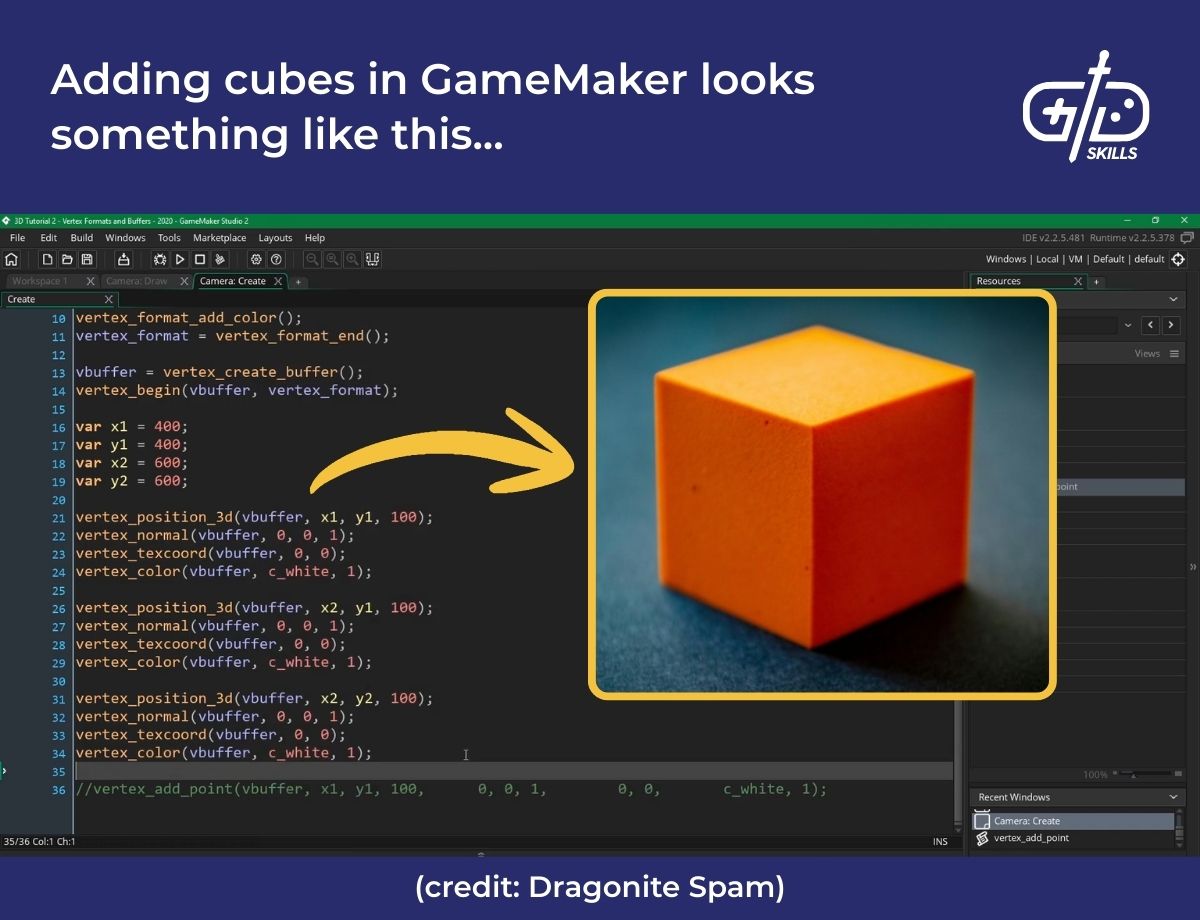
Both GameMaker and GDevelop have cons compared to the big three game engines—Godot, Unity, and Unreal. The simplified programming languages make developers blind to advanced programming concepts and optimization. The concept of classes and inheritance in programming are required for C# and C++, the languages of Unity and Unreal, but they don’t appear in GML. The concept of data types is present in GML, but the syntax is much more forgiving of whether a developer specifies a data type with a variable. Since both engines handle how logic is implemented, unlike other engines which give users complete control, developers don’t learn how to create optimized, performant games.
The cons of GameMaker and GDevelop compared to other engines don’t matter if the user intends to stick to small 2D experiences. High performance with 2D is easy without optimization. Additionally, Unity and Unreal are designed for 3D games, so GameMaker and GDevelop are in some ways more powerful because they have tools designed for 2D alone. However, anything which requires completely custom movement systems, physics, or shaders is impossible.








